You run a transport business.
You work hard every single day.
But your desk is a mess.
Diesel slips are in one drawer. Driver advances sit in a small pocket diary. Toll receipts get lost in the truck cabin. Maintenance bills pile up on a spike file.
When you had just one truck, this was fine. You remembered everything.
As the fleet grows, that manual system fails — and it fails hard.
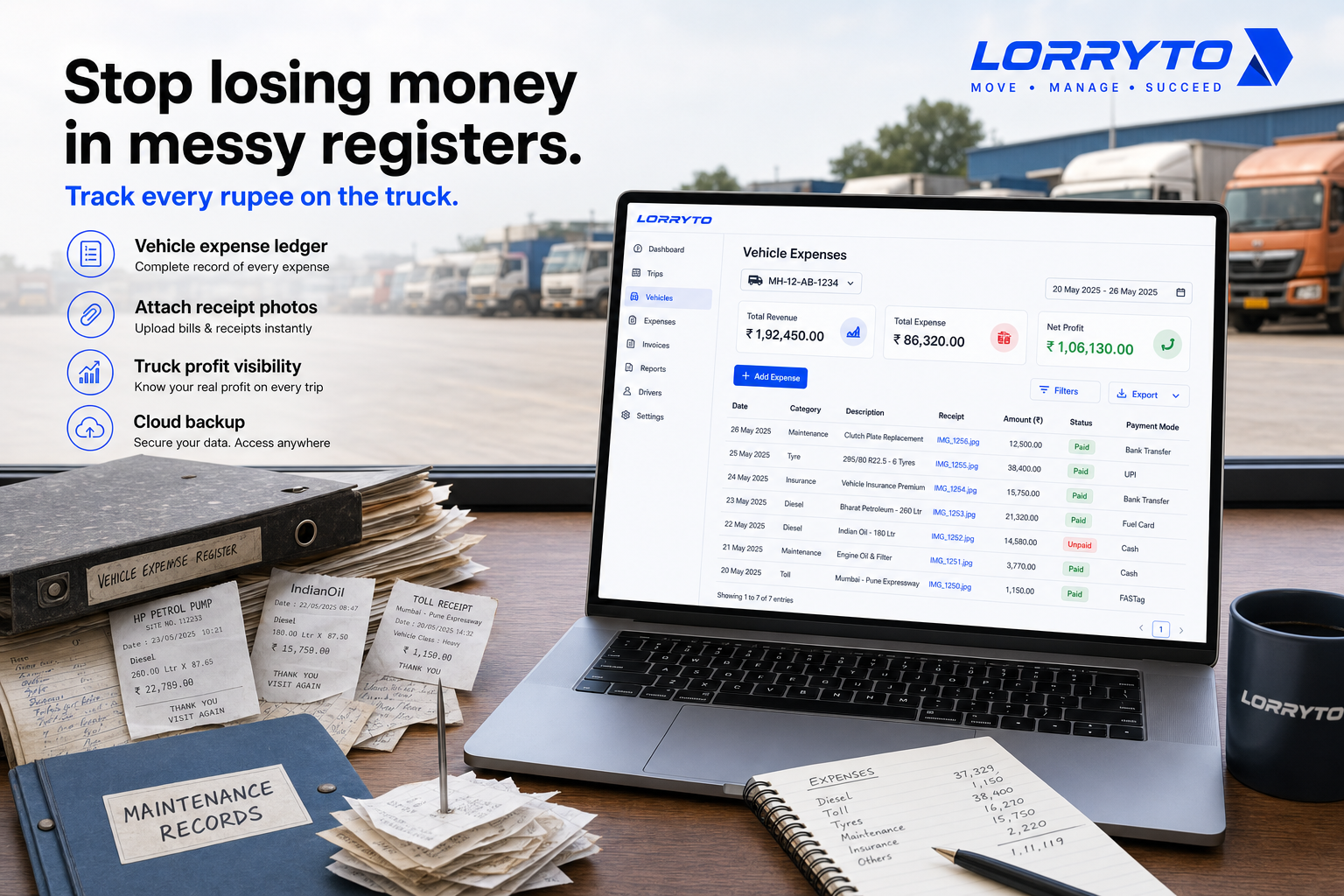
Stop losing money in messy registers. Start tracking every rupee on the truck.
This guide shows how Indian transporters can manage vehicle expenses — diesel, maintenance, tolls, repairs, and truck-level profit — with tools like Lorryto.
For trip advances and driver hisaab, see Driver expenses. For expenses linked to each LR, see Trip expenses digitally.
The real problem
Daily operations get overwhelming when every trip has too many moving parts.
For one single truck trip you often track:
- Diesel fill-ups (liters and rate)
- Driver advance cash (bhatta)
- FASTag recharges and toll payments
- RTO fines or border entry taxes
- Loading and unloading charges
- AdBlue purchases
- Tyre puncture or minor repairs
Managing this for one truck is a headache.
Now imagine 5 trucks. Or 10. Or 50.
Without a clear system, money leaks every month.
Why does this happen?
You started small. One truck. One register book.
Then you added more trucks, more drivers, more routes — but you kept the same old register method. You just bought more registers.
Now the paperwork is out of control. Vehicle costs sit in one pile. Trip costs sit in another. Nobody has a clean truck-level picture.
How you manage things today
1. Tracking diesel expenses
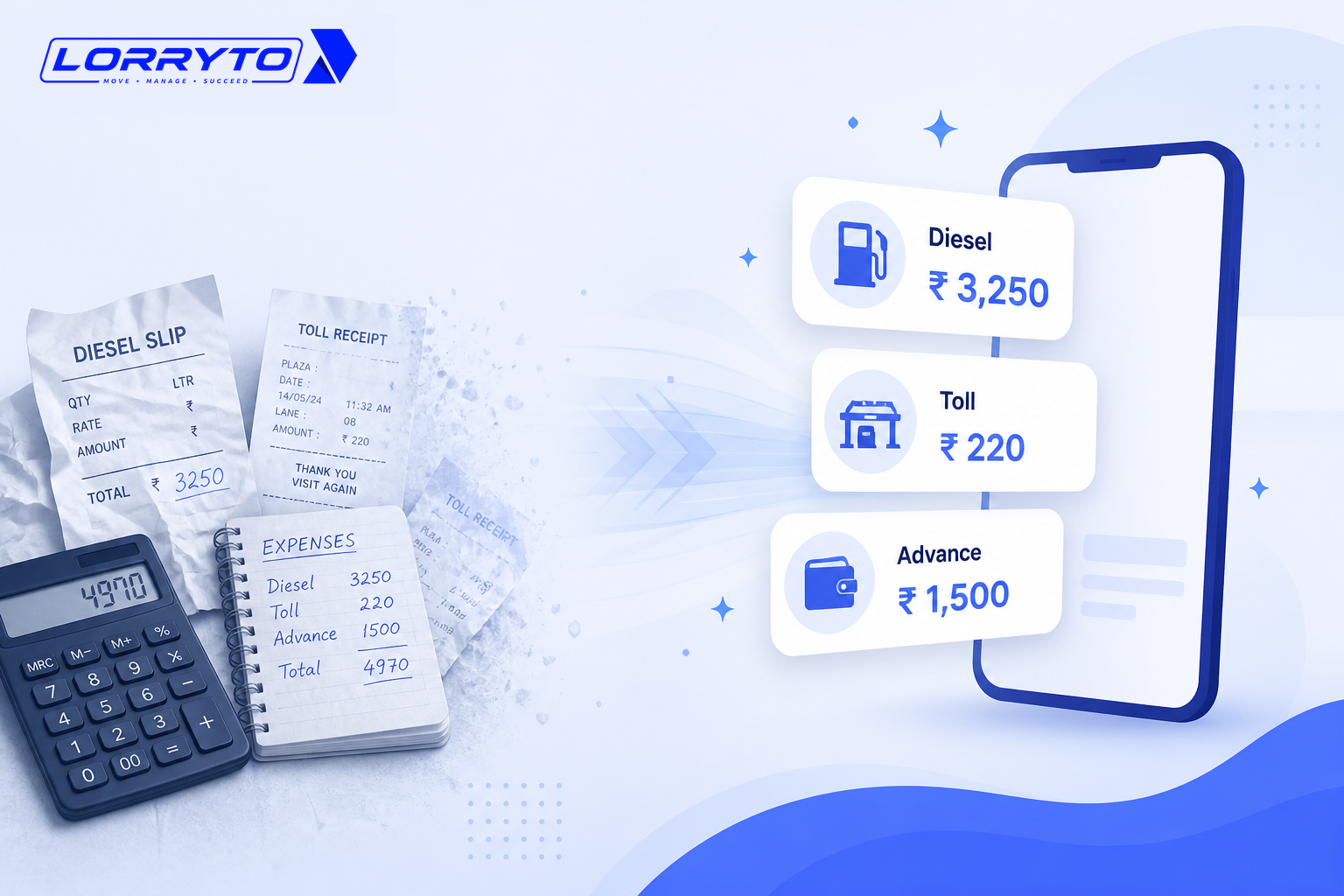
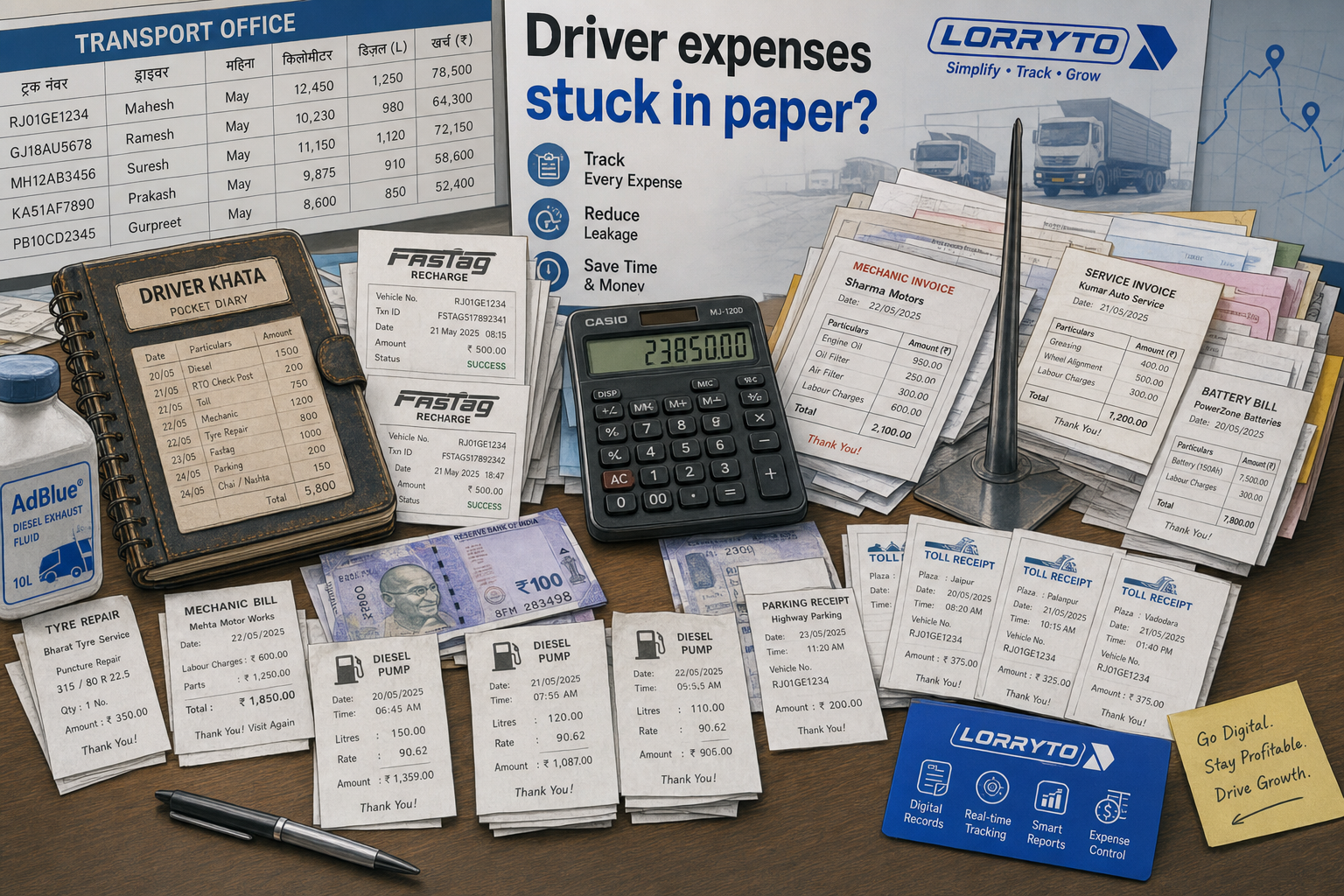
The driver calls from the pump. You transfer money via UPI. You write the amount on a piece of paper. Later you try to match it with the pump receipt. Half the time the receipt is missing.
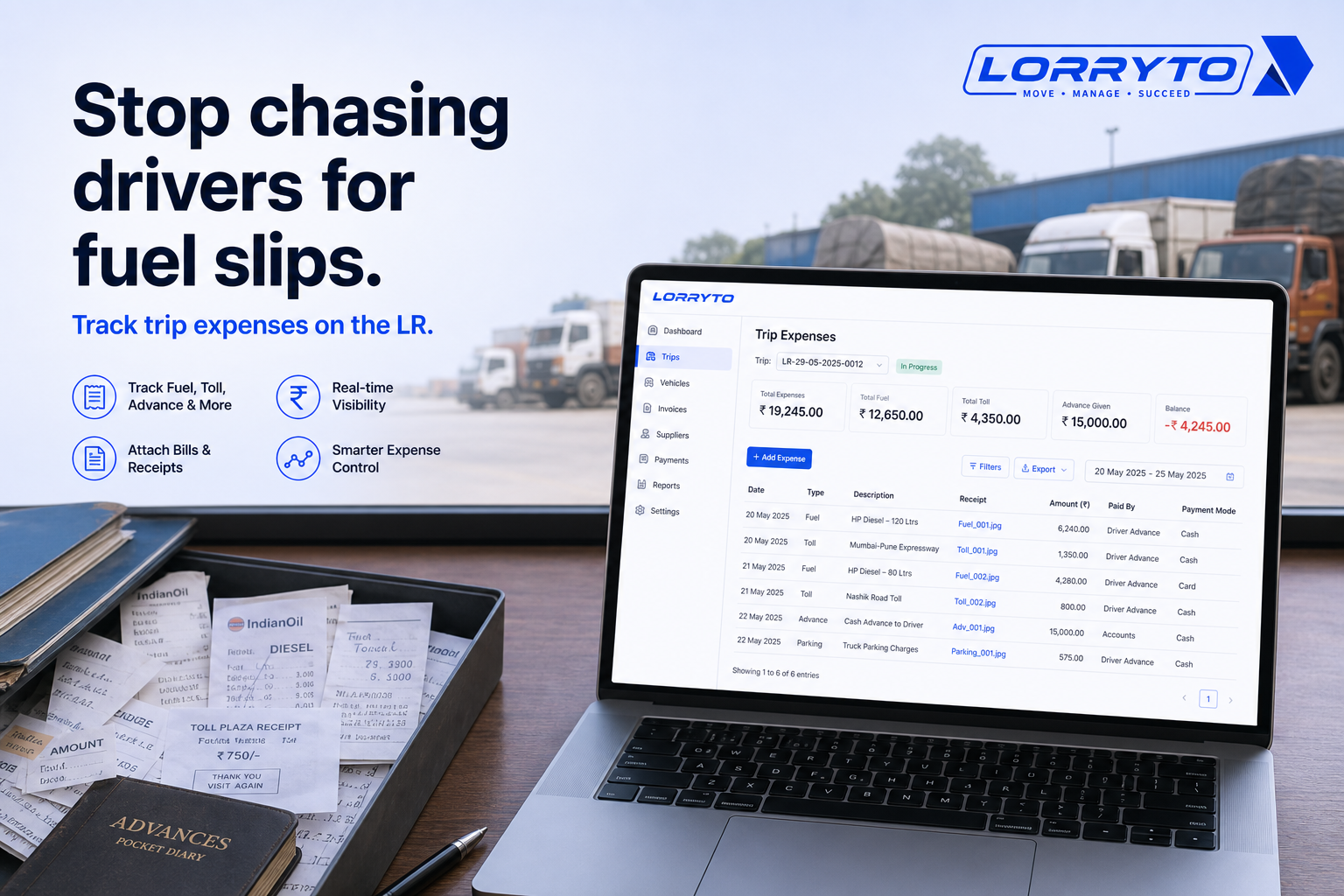
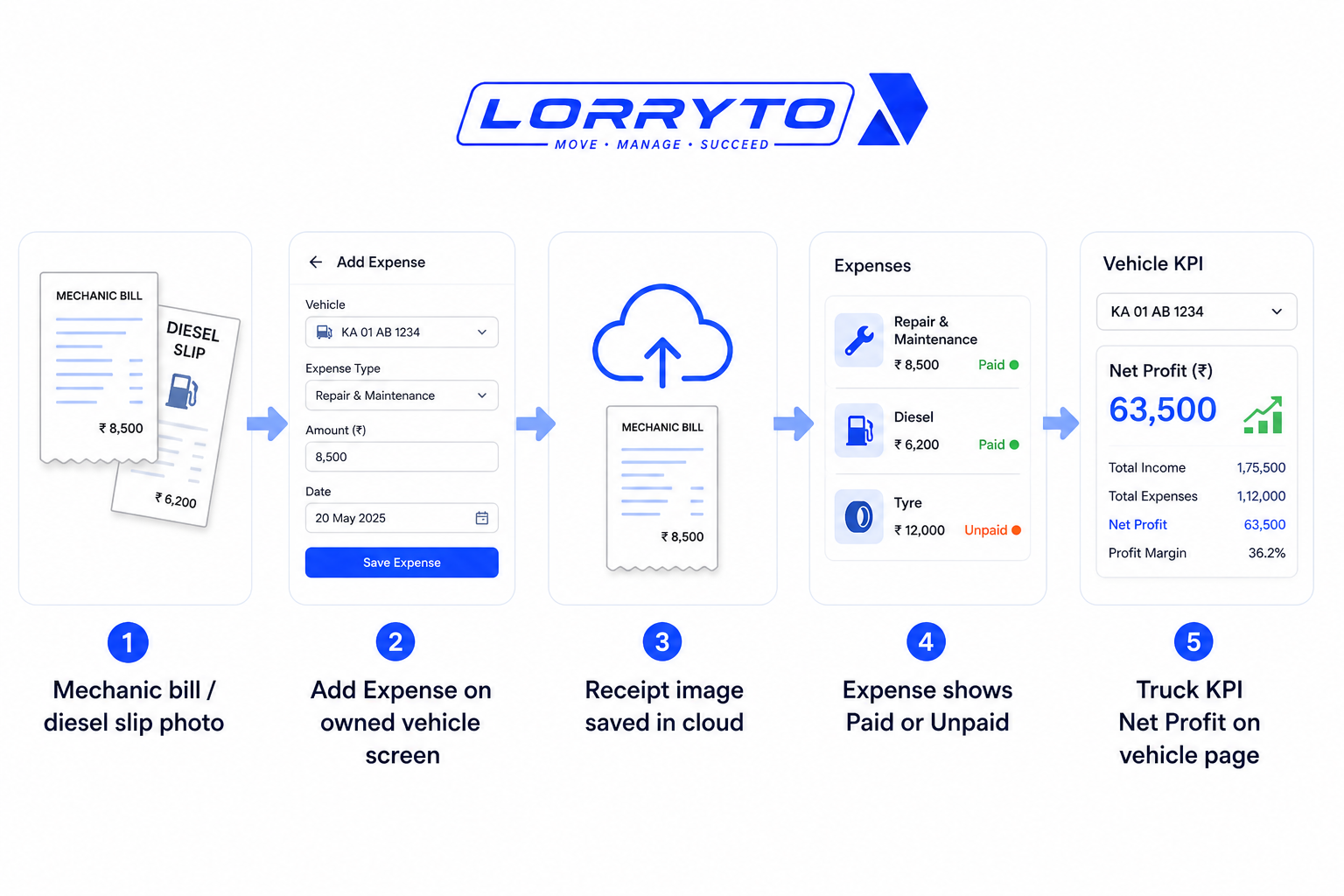
Better: record fuel on the trip expenses screen, or as a vehicle expense on owned trucks. Attach the receipt photo so it never gets lost.
2. Managing driver advances (bhatta)
You give cash before the trip. You write it in a “Driver Khata” book. When the trip ends, you sit with a calculator and argue over missing notes.
That flow belongs on the trip and in driver khata — covered in detail in Driver expenses.
3. Calculating trip and truck profit
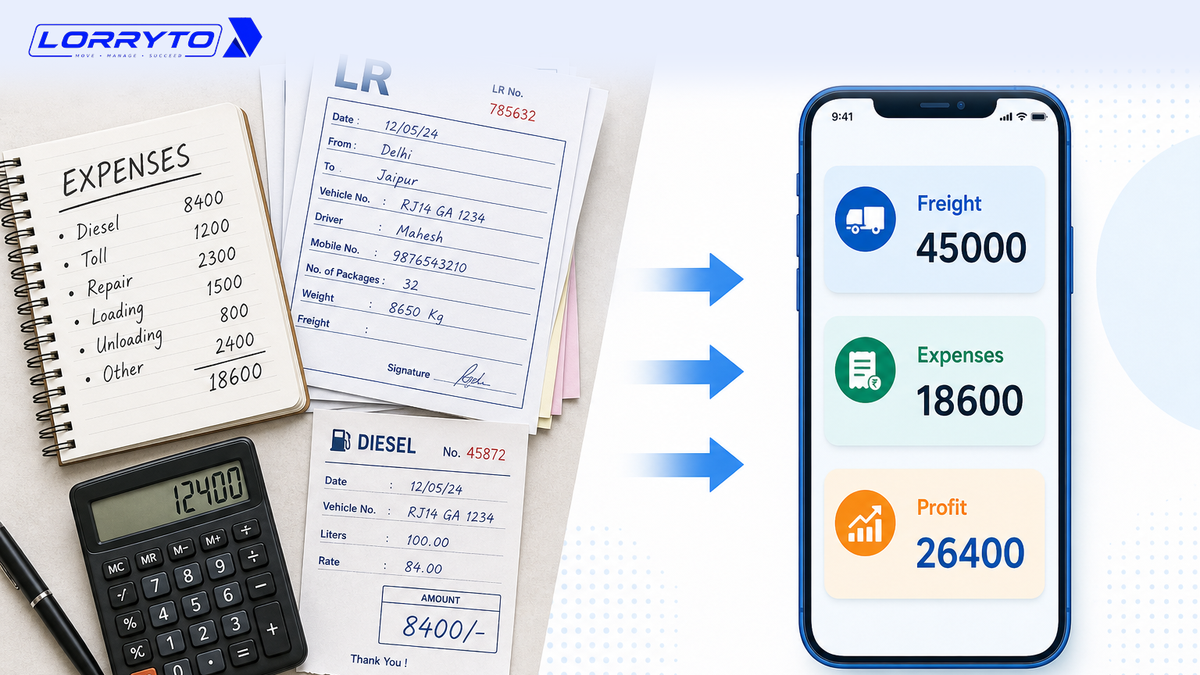
You open the freight register. You open the expense register. You subtract diesel, tolls, and allowance from freight — then realise you forgot the tyre repair. The number is wrong.
See Trip Profit on each trip, and vehicle KPIs (revenue, expense, net profit) on Vehicle expenses for owned trucks. Guide: Trip profit digitally.
4. Vehicle maintenance
A mechanic hands you a greasy bill. You pay cash. You shove it in a plastic folder. Months later the same part breaks — and you cannot find the old bill for warranty.
Upload the bill on the vehicle: Vehicle expenses with receipt images. Keep RC, insurance, and permits in Vehicle documents.
Problems with the manual method
Money leaks everywhere. Small expenses get forgotten. Cash on the road goes unrecorded. You lose thousands every month without knowing.
Too much time wasted. Evenings go to basic math instead of finding new loads. You become the clerk of your own business.
No clear truck picture. You may know party balances at month-end — but not which truck is making money today.
High stress. The phone never stops. You carry every slip and warranty date in your head.
Better digital methods
A good digital system puts costs on the truck and on the trip — not in three notebooks.
Record expenses instantly
Add diesel, repair, and other costs from phone or office. Snap bill photos so they never get lost. Docs: Vehicle expenses, Trip expenses.
Clear driver hisaab
Send trip money to the driver’s digital ledger. Settle advances and trip costs without a two-hour argument. Docs: Driver khata, Payments.
See profit sooner
Enter freight and expenses, then check Trip Profit. On owned vehicles, use the expense page KPIs for truck-level revenue, expense, and net profit.
How to choose the right software
Before you buy, ask:
- Is it made specifically for Indian transporters?
- Can I use it easily on mobile and web?
- Is it available in Hindi or simple English?
- Does it track driver advances (khata) clearly?
- Will it give me profit visibility per trip and per truck?
- Is my data safe and backed up on the cloud?
Wider reading: Why digitization is transforming transport and Paperless transport office.
How Lorryto solves this
Lorryto is built for Indian transporters who need vehicle costs under control — without spike files and missing receipts.
1. Smart diesel, toll, and vehicle cost tracking
On owned trucks, open the vehicle and use Vehicle expenses — amount, expense name, date, Paid/Unpaid, optional credit shop, payment mode, and receipt images. Filter All / Trip / Vehicle expenses and see Total Revenue, Total Expense, and Net Profit on the same page.
Trip-time fuel and toll still go on Trip expenses. Hired / market trucks do not get a vehicle Expenses tab — use trip costs instead (same as the docs tip).
2. Driver ledger (khata)
Maintain driver balances and settle trip accounts digitally. Stop losing money to unrecorded cash advances. Docs: Driver khata. Full office angle: Driver expenses.
3. Trip profitability in one place
Enter freight. Add expenses. See margin on Trip Profit instead of rebuilding Excel from diaries.
4. Document and bill storage
Upload maintenance bills from your phone camera on the expense form. Keep RC, insurance, and permit copies in Vehicle documents. Find any file without digging through folders. Related: Transport documents without files.
Paid vehicle expenses can also create accounting vouchers — see Automatic vouchers.
Implementation checklist
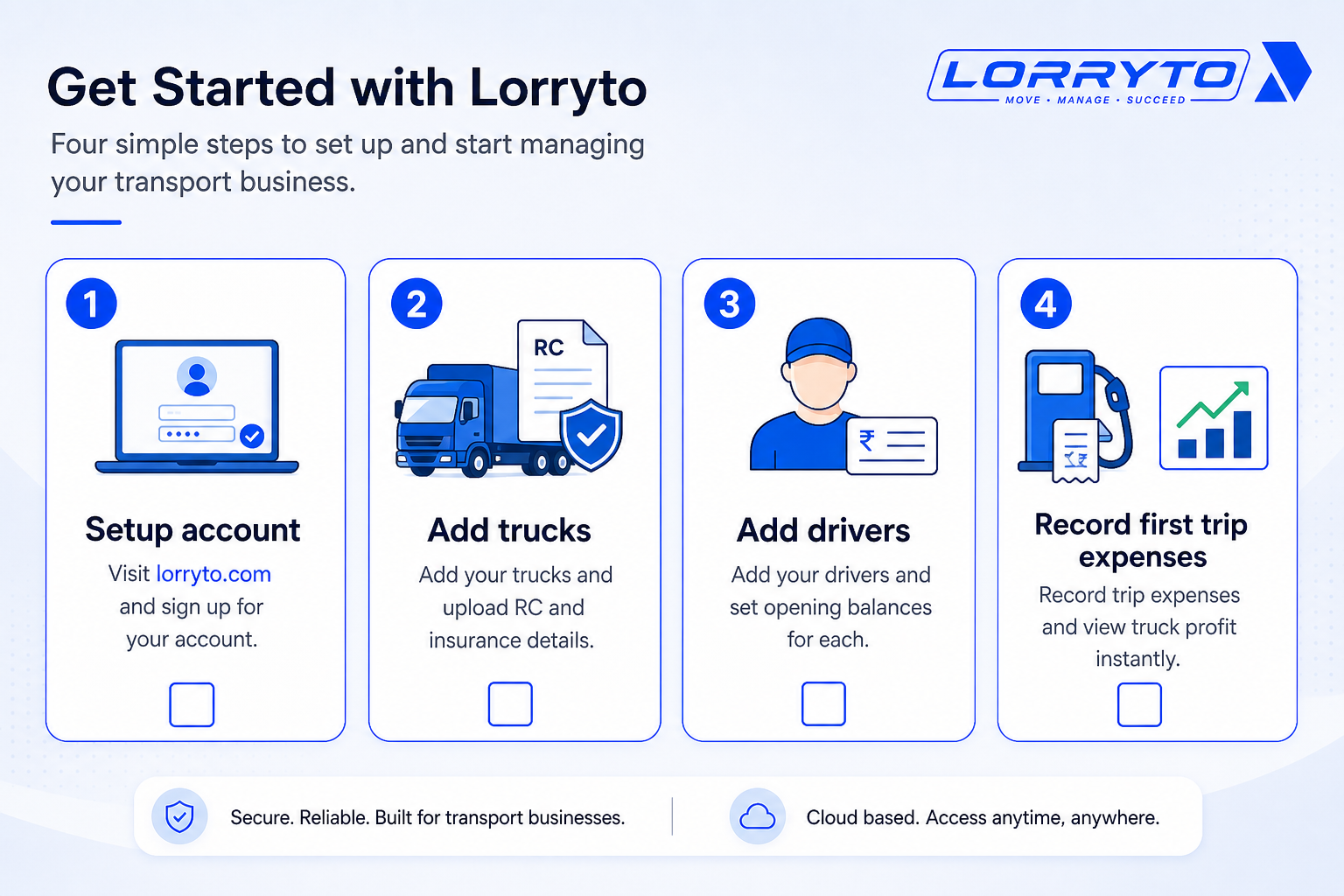
Step 1 — Set up your account
- Visit lorryto.com and create your profile
- Start with the 3-day free trial
- Add company details (Company)
Step 2 — Add your trucks
- Enter registration numbers (Vehicles)
- Upload RC and insurance (Vehicle documents)
- Set reminders for document expiry where available
Step 3 — Add your drivers
- Create driver profiles (Drivers)
- Add phone numbers and licence copies
- Enter opening cash balance where needed (Driver khata)
Step 4 — Record costs and see profit
- Create a trip / digital LR (Create LR)
- Add diesel, advance, and road costs on the trip (Expenses, Payments)
- Add maintenance and other truck costs on owned vehicles (Vehicle expenses)
- View trip profit and vehicle KPIs when numbers are in
Getting started: docs.
FAQs
Is Lorryto for small transport businesses?
Yes. Whether you have 1 truck or 100, the same vehicle and trip expense flow works. See getting started.
Will I lose my old records?
No. Keep old registers safe. Enter opening balances where needed and start digital records for new trips and vehicle costs from today.
How long does it take to start?
Often the same day. Sign up, add masters, and create your first digital LR in minutes. Fast LR tip: Generate LRs in 2 minutes.
Is my data secure?
Your data stays in your Lorryto account with cloud backup. Only people you invite to your company can access it. Start from lorryto.com.
How much does it cost?
Lorryto offers a 3-day free trial, then plans from ₹599/month per company (2 users included). See live Pricing for current details.
How is this different from the driver expenses blog?
Driver expenses focuses on advances, trip slips, and settling driver hisaab. This article focuses on vehicle-level costs — maintenance bills, truck expense history, documents, and profit visibility on the truck.
Final thoughts
Software is just a tool.
The goal is to save time, stop money leaks, and grow your fleet — with freedom, not headaches.
Move diesel slips, maintenance bills, and truck costs out of drawers and spike files. Put them on the vehicle and on the trip. See profit without a full-day calculator session.
References and next reads: Driver expenses · Trip expenses digitally · Trip profit digitally · Transport documents without files · Supplier ledger · Party ledger · Outstanding · Invoices · Generate LRs in 2 minutes · Getting started · Vehicle expenses · Vehicle documents · Vehicles list · Trip expenses · Payments · Edit trip / Trip Profit · Driver khata · Credit shops · Automatic vouchers · Company · Drivers
Ready to run trips without registers?
Create LRs, track payments, and keep documents in one place with Lorryto — free trial available.
Start Free Now