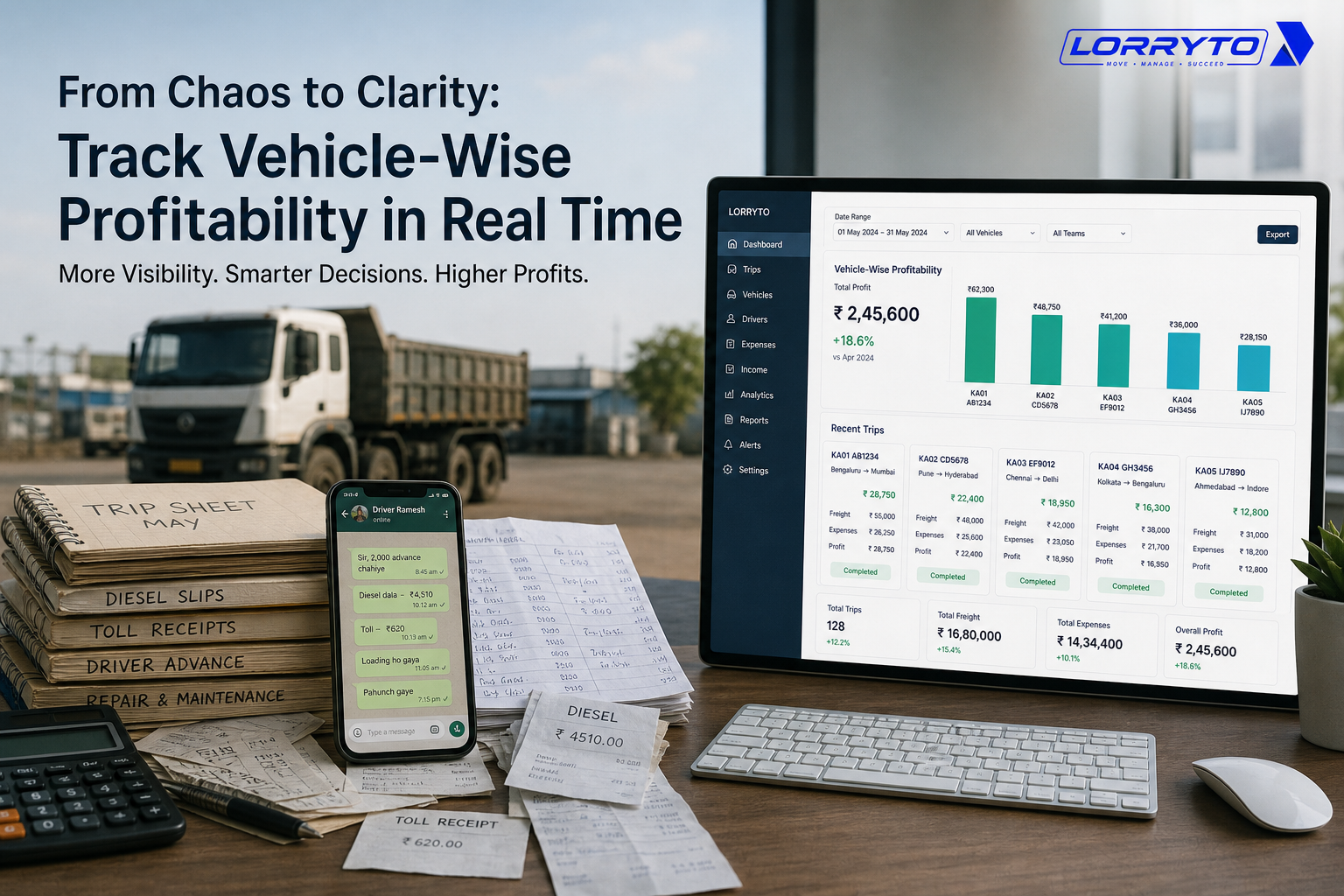
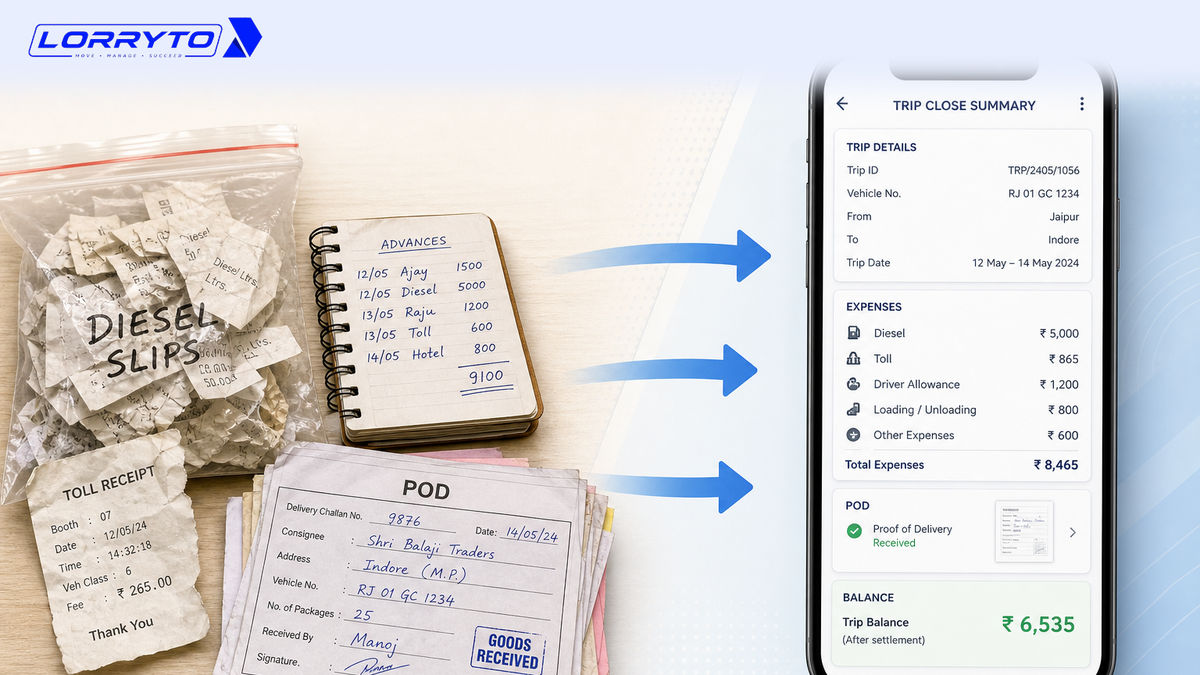
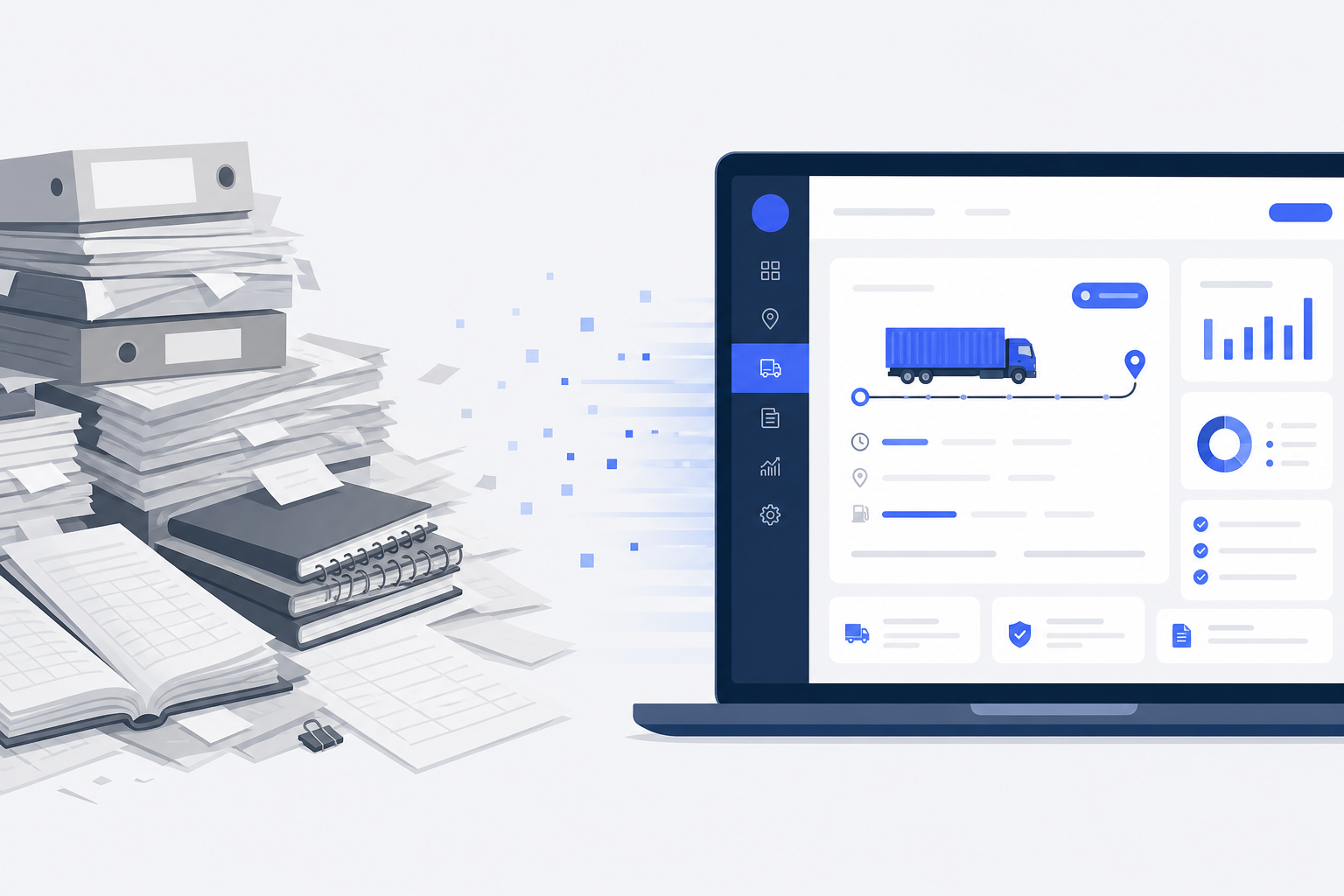
The transport industry has always been about movement — goods, trucks, drivers, documents, payments, and information.
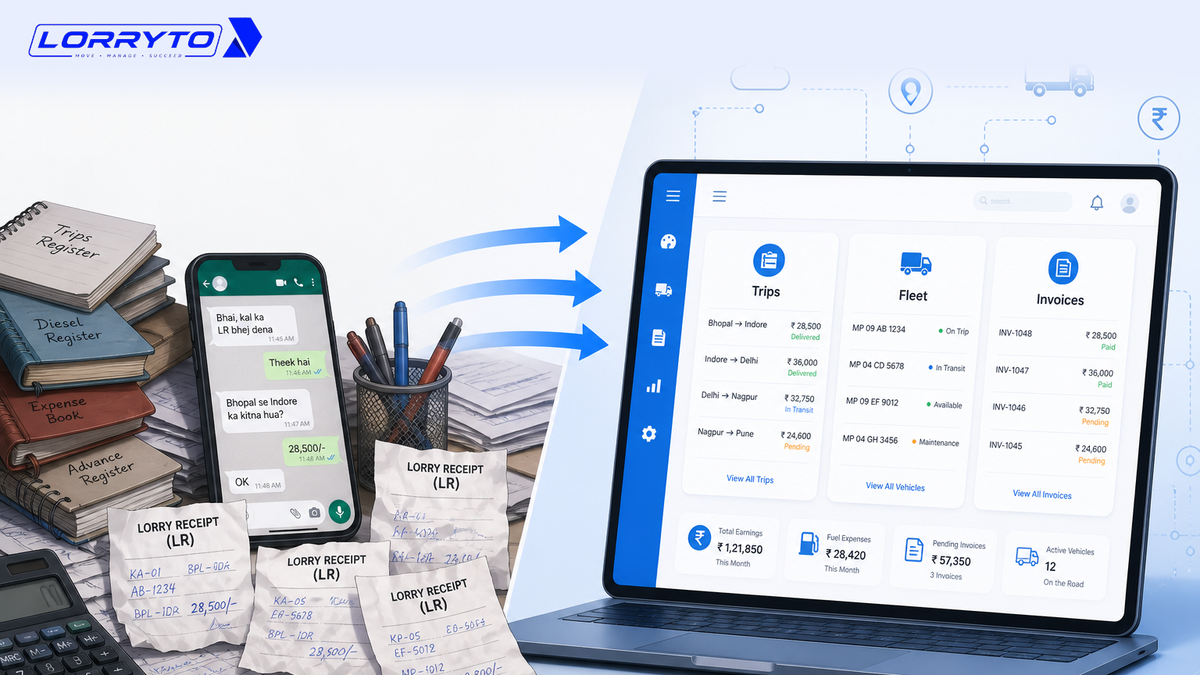
Trucks got faster. Networks got bigger. But many Indian transport offices still run on notebooks, Excel sheets, phone calls, WhatsApp chats, and scattered paper.
That is changing.
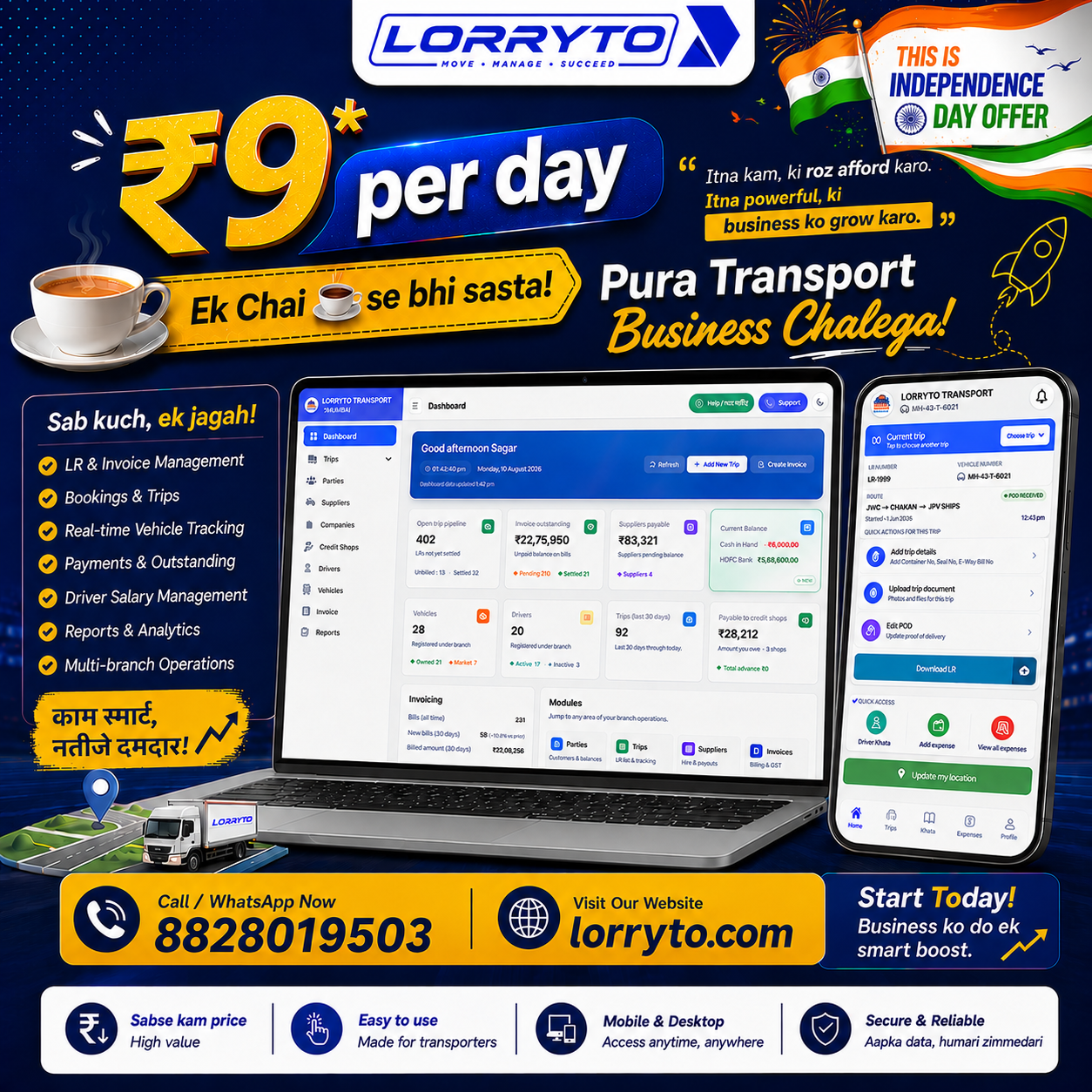
Digitization is changing how transporters, fleet owners, and logistics businesses work. A modern transport management system (TMS) can bring trips, vehicles, drivers, parties, suppliers, expenses, invoices, documents, and payments into one connected record.
It is not only “put the register on a phone.” It is a single source of truth for the office.
Whether you run a few trucks or a growing fleet with branches and market vehicles, digital tools help you cut search time, see expenses, follow outstanding, check vehicle performance, and understand which trips actually make money.
This is where a TMS such as Lorryto becomes useful.
What digitization means for a transport business
Digitization means using software for work that used to live on paper and chat.
For a transporter, that often includes:
- Creating and managing Lorry Receipts (LRs)
- Managing bookings and trips
- Recording vehicles, drivers, parties, and suppliers
- Logging fuel, toll, repair, and other expenses
- Tracking driver advances and khata
- Creating invoices and watching outstanding
- Storing POD and trip documents
- Watching vehicle and driver document expiry
- Reading trip-wise profit after costs are entered
- Managing companies, branches, and staff access
These methods still “work” when the fleet is small. As trips, drivers, suppliers, and bills grow, memory and scattered files stop scaling.
For a practical step-by-step paperless path, see How to make your transport business paperless.
Why digitization matters
Transport is time-sensitive and cost-sensitive.
A truck can earn freight while it moves — and still lose money if diesel, toll, hire, and advances are unclear. Payments may arrive late.
Revenue is not the same as profit. Activity is not the same as control.
Digitization helps you move from “recording what happened” to “seeing the business.”
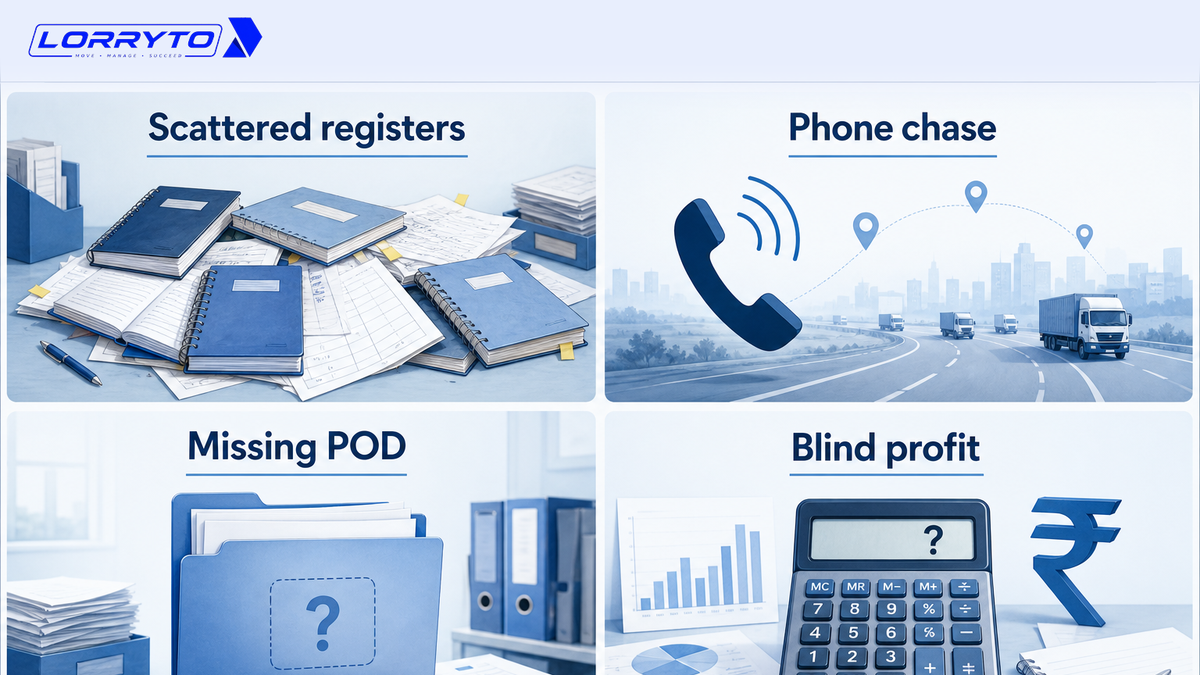
1. Manage the operation in one place
Centralization is the first win.
Instead of separate books for trips, parties, vehicles, drivers, suppliers, expenses, and invoices, a TMS connects them.
On Lorryto you work from one Trips workspace and related modules — so questions like “what is running?”, “what is unbilled?”, “who owes me?”, and “who do I need to pay?” do not require hunting three registers.
2. Digitize the full trip and LR
A trip is more than assigning a truck. You often need party, consignor and consignee, route, vehicle, driver, material, freight, advance, tax, and delivery details.
Create LR (or a booking that becomes LRs) keeps that shipment on one record. For multi-truck customer orders, Create Booking can start several vehicles while each keeps its own LR. More: How to generate LRs in 2 minutes.
3. Know the status of every trip
In a paper office, status often means another call: started, delivered, POD in, money settled?
Lorryto follows a clear lifecycle on the Trips list: Started → Completed → POD received → POD submitted → Settled. That is the backbone of trip tracking.
4. Track vehicles and fleet performance
A fleet is not only truck numbers.
You need trips, revenue, expense, and whether the truck is making money. The vehicles list shows revenue, expense, and profit/loss. Current location appears when an Active driver shares GPS from the optional driver mobile app.
5. Track trip-wise profit, not only freight
Freight alone is not enough. You still need fuel, toll, driver money, hire, charges, and deductions.
After those lines sit on the LR, View LR shows Trip Profit — see How to manage every trip profit digitally and Edit a trip / LR. The question becomes “how much did I actually make?” not only “how much freight did I book?”
6. Manage parties and outstanding digitally
Cash flow breaks when trips are done but invoices are unclear.
Parties show outstanding and invoice history. You can create invoices from unbilled trips — including multiple LRs for the same billing party — so billing stays tied to completed work.
7. Create professional invoices and share them digitally
Customers expect clean bills, not only paper.
Generate the invoice, then download or share on WhatsApp (PDF link). Branding and bank details come from your company setup. This is share-and-send — not automatic payment reminders.
8. Keep PODs and trip documents organized
Missing POD delays billing. WhatsApp and glovebox piles are hard to search.
Upload POD on the trip. Keep other files under trip documents. More: Digital POD management.
9. Stay ahead of vehicle and driver compliance
Insurance, permits, fitness, pollution, and driving licence dates matter.
Store vehicle and driver documents with expiry information in Lorryto so renewals are tied to the right truck or driver — not a separate forgotten diary. See vehicle documents and driver documents.
10. Manage drivers and their money
Drivers need more than a phone number in a notebook.
Use Drivers for profiles and driver khata for advances and payments. Expenses sent from the optional driver app land in Un-Verified until the office accepts them. Closing the trip with clear hisaab is covered in How to manage every trip closing digitally.
11. Manage market vehicles and supplier payments
Many offices hire market trucks. You need customer freight vs hire cost.
Lorryto separates owned and market vehicles and links market trips to suppliers. Payments can be allocated against outstanding hire trips so the supplier ledger stays clear.
12. Digitize transport khata
Khata still matters in Indian transport. A digital khata is searchable.
Lorryto supports ledgers for drivers, suppliers, credit shops (pumps, garages, tyre shops), and parties — with payment modes, notes, and receipt images where you attach them. Pump-on-credit diesel sits on the trip as a trip expense with Credit mode.
13. See where money goes
Fuel, toll, repairs, tyres, food, and credit purchases add up.
Put trip costs on trip expenses and owned-truck month costs on vehicle expenses. Then you can ask better questions: which truck costs more to run, which trips underperform, how much is pending with suppliers. Deep dive: How to manage every trip’s expenses digitally.
14. Give staff the right access
As you grow, you add accountants, dispatchers, and branch staff.
User management and permissions let you give access by role so the office is not one shared password for everything.
15. Manage companies and branches
One office can become many branches or companies.
Lorryto supports company profiles, branches, branding, registration, and bank details so growth does not mean a new Excel file for every location.
16. Move from reactive to clearer day-to-day control
Paper offices often react: call the driver, search WhatsApp, find the receipt, then calculate.
A connected system keeps pending work visible earlier — unbilled trips, POD gaps, supplier balances, document expiry, driver Un-Verified entries, and trip profit after costs are entered. You spend less time finding information and more time acting on it.
From registers to connected records
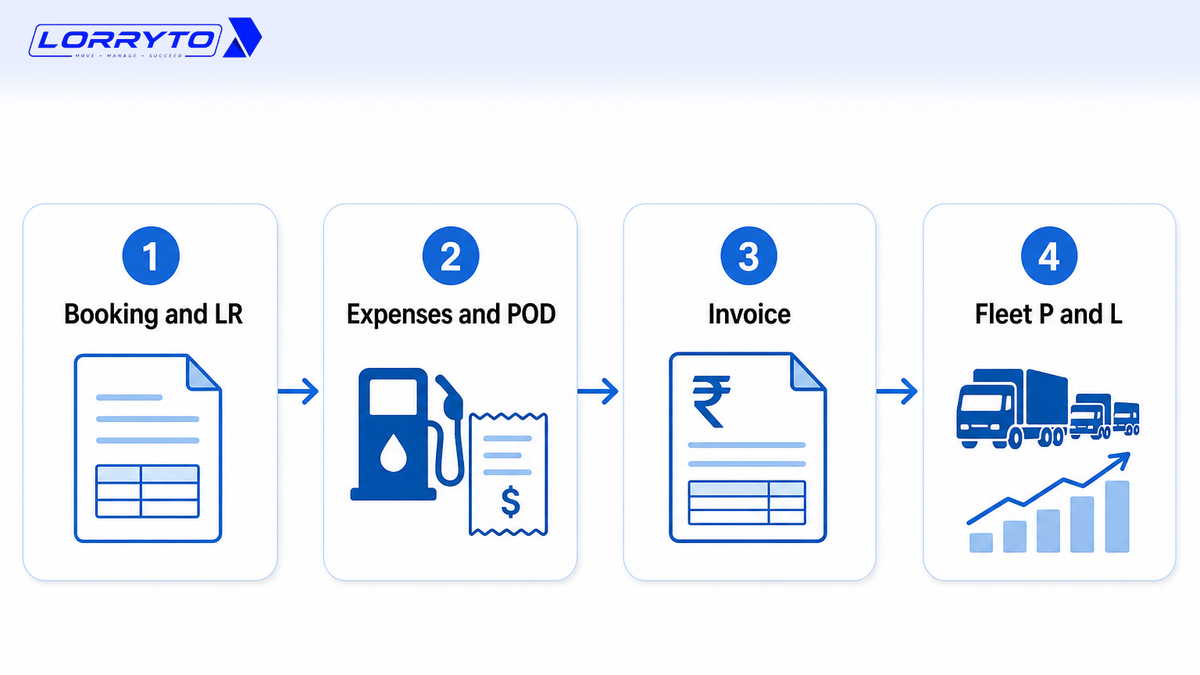
Earlier “digitization” often meant typing the same register into Excel.
Today the value is the links: trip → vehicle → driver → expenses → LR → invoice → receivable; market truck → supplier payable; POD on the same LR.
That chain is the real power of a modern TMS.
Why Lorryto
Lorryto is built so Indian transporters do not run the office from scattered registers and memory.
You can bring together dashboard overview, booking and LR, trip money and status, trip profit on View LR, vehicles and optional live location, drivers and khata, suppliers and parties, credit shops, expenses, invoices, POD and documents, company and branch setup, and team permissions.
The goal is not complicated software. The goal is a complex transport business that is easier to control.
Getting started in 4 simple steps
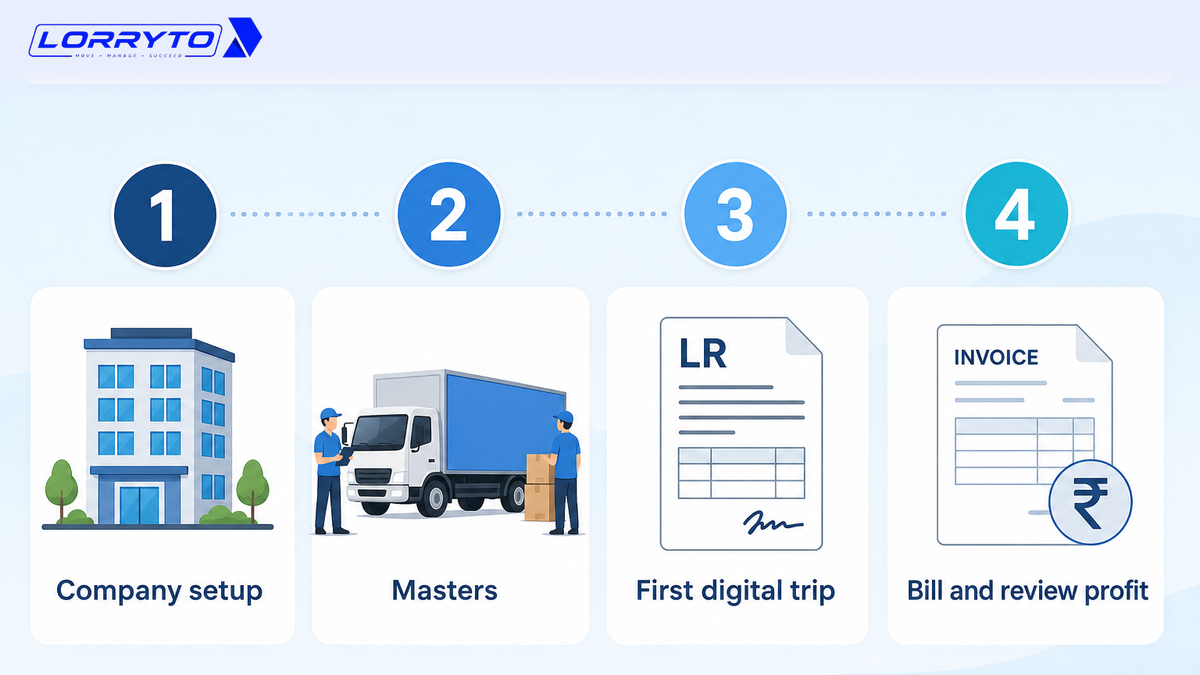
Step 1 — Set up the company
Sign up at lorryto.com. Add company details and bank. See getting started.
Step 2 — Add masters
Add trucks, drivers, and parties (and suppliers if you hire market vehicles).
Step 3 — Run the first digital trip
Create an LR, record advance and expenses, upload POD.
Step 4 — Bill and review
Create the invoice, share on WhatsApp, and check Trip Profit on the LR.
Keep old paper for history. Start new trips digitally.
FAQs
Is digitization only for large fleets?
No. Small fleets benefit early — one place for LR, expenses, and POD before the registers multiply. See getting started.
Where should I start if my office is still on paper?
Start with company setup, a few masters, and new trips only. The full paperless path is in How to make your transport business paperless. Day-to-day close is in trip closing.
Do drivers have to use an app?
No. Office staff can create LRs, add expenses, and upload POD. The driver mobile app is optional for POD, expenses (Un-Verified until accepted), and GPS sharing.
Can I always see live GPS for every truck?
Location shows on the vehicles list when the assigned Active driver shares GPS from the driver app. Without sharing, you still track the trip on the Trips list.
How is this different from the trip closing and profit blogs?
This article is the big picture — why a TMS matters across the office. Closing, expenses, tracking, and profit have their own deep guides linked above.
Final thought
Your trucks move every day. The office should move forward too.
Replace scattered records with connected data. Replace evening calculator fights with clear trip records. Replace “where is the POD?” with the file on the LR.
References and next reads: 5 ways to make fleet management more profitable · Trip closing digitally · Trip tracking digitally · Trip profit digitally · Trip expenses digitally · Paperless transport office · Paperwork without drowning · Digital POD · Generate LRs in 2 minutes · Getting started · Create LR · Trips · Trip expenses · Payments · Upload POD · Edit trip / Trip Profit · Vehicles list · Driver khata · Driver mobile app · Parties · Create invoice · Invoice WhatsApp share · Suppliers · Credit shops · Company · User management
Ready to run trips without registers?
Create LRs, track payments, and keep documents in one place with Lorryto — free trial available.
Start Free Now