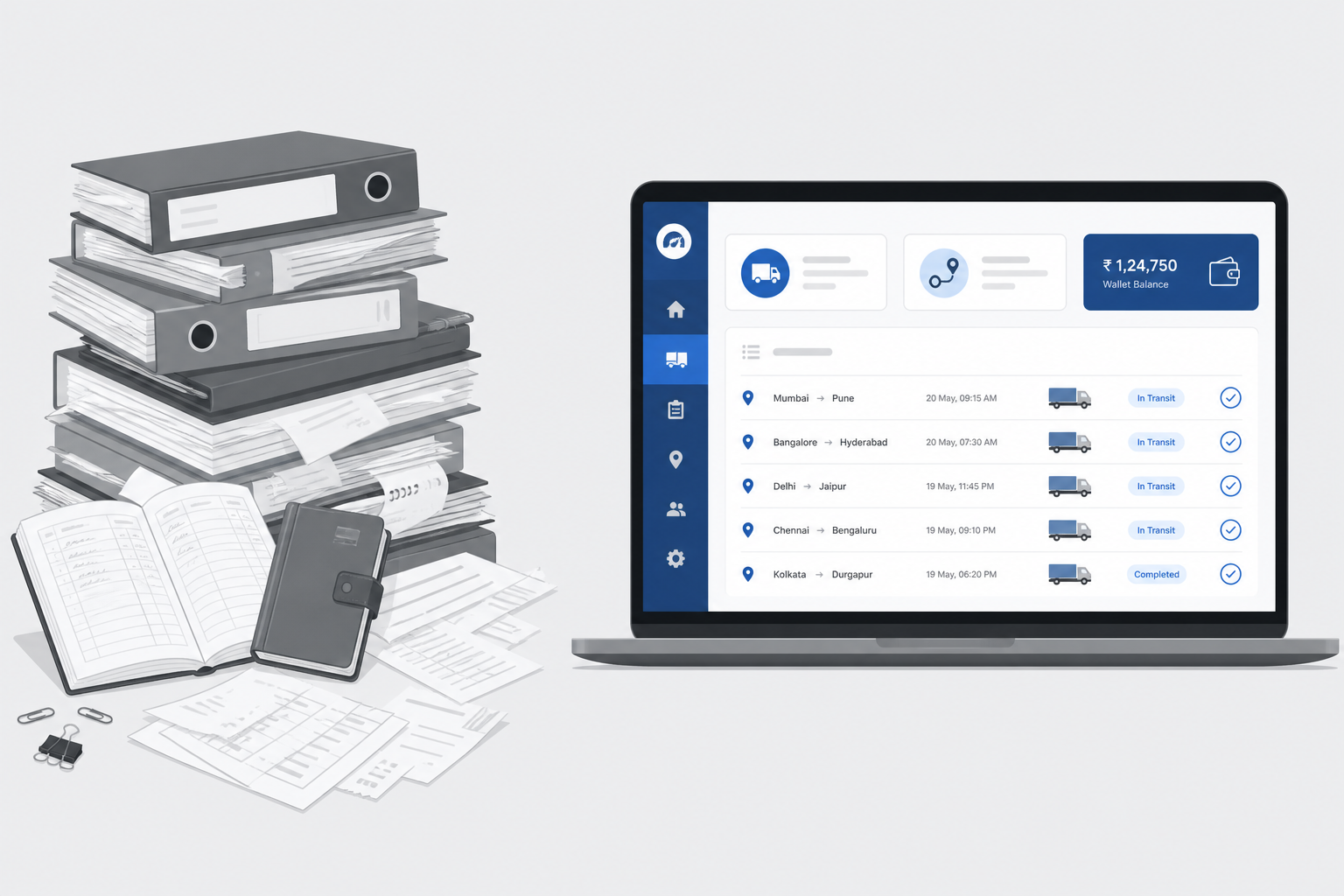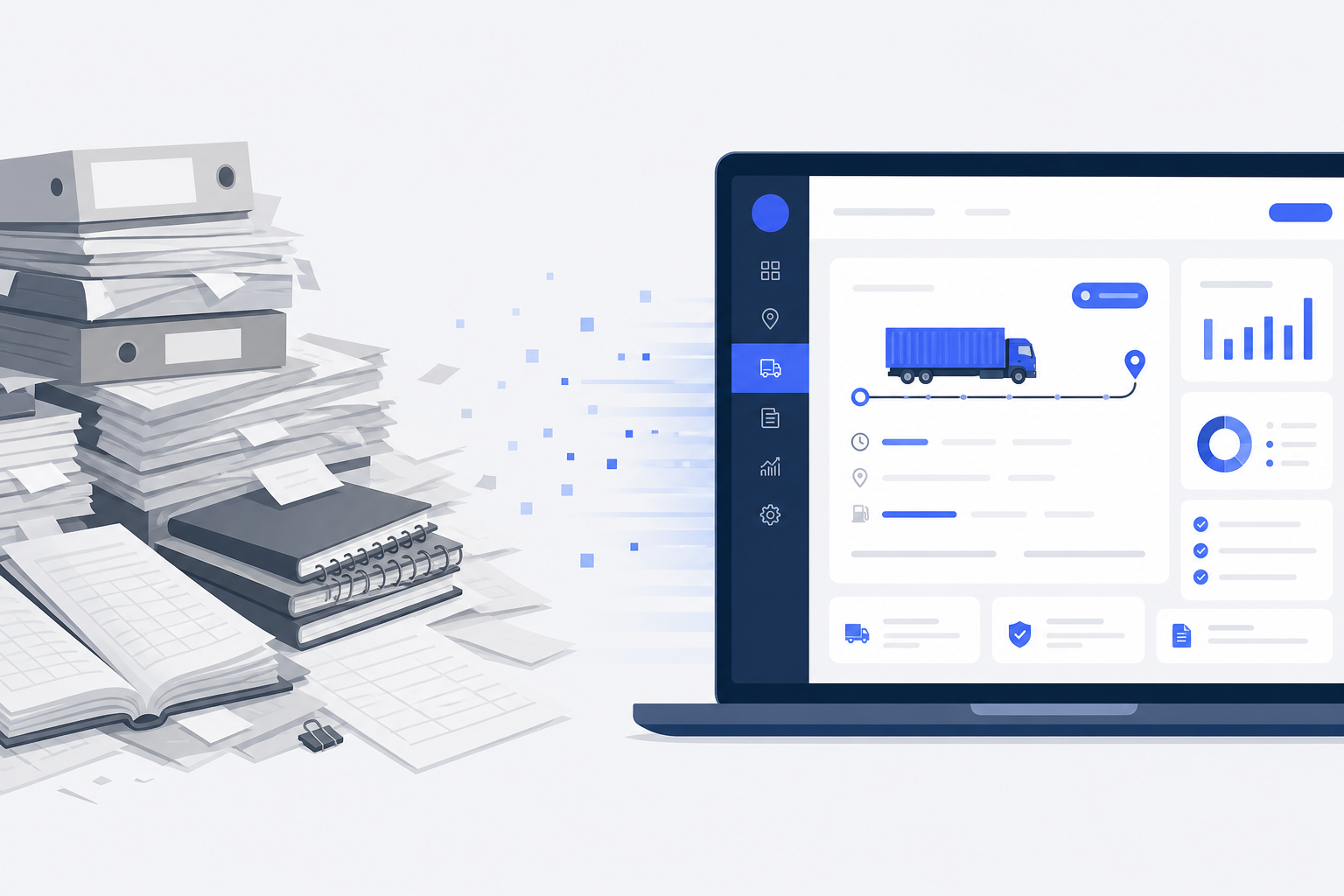
Most transport businesses in India still run on paper.
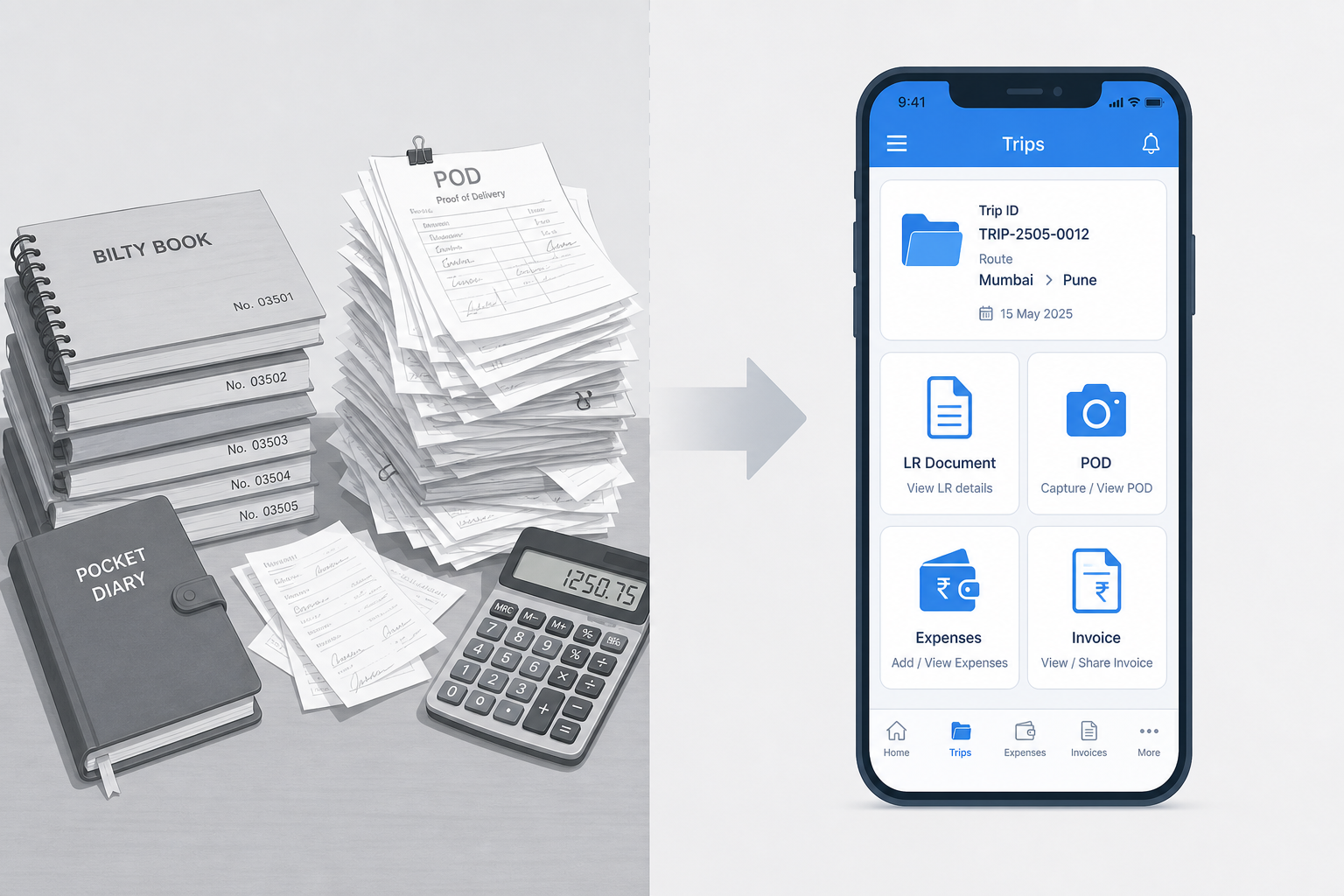
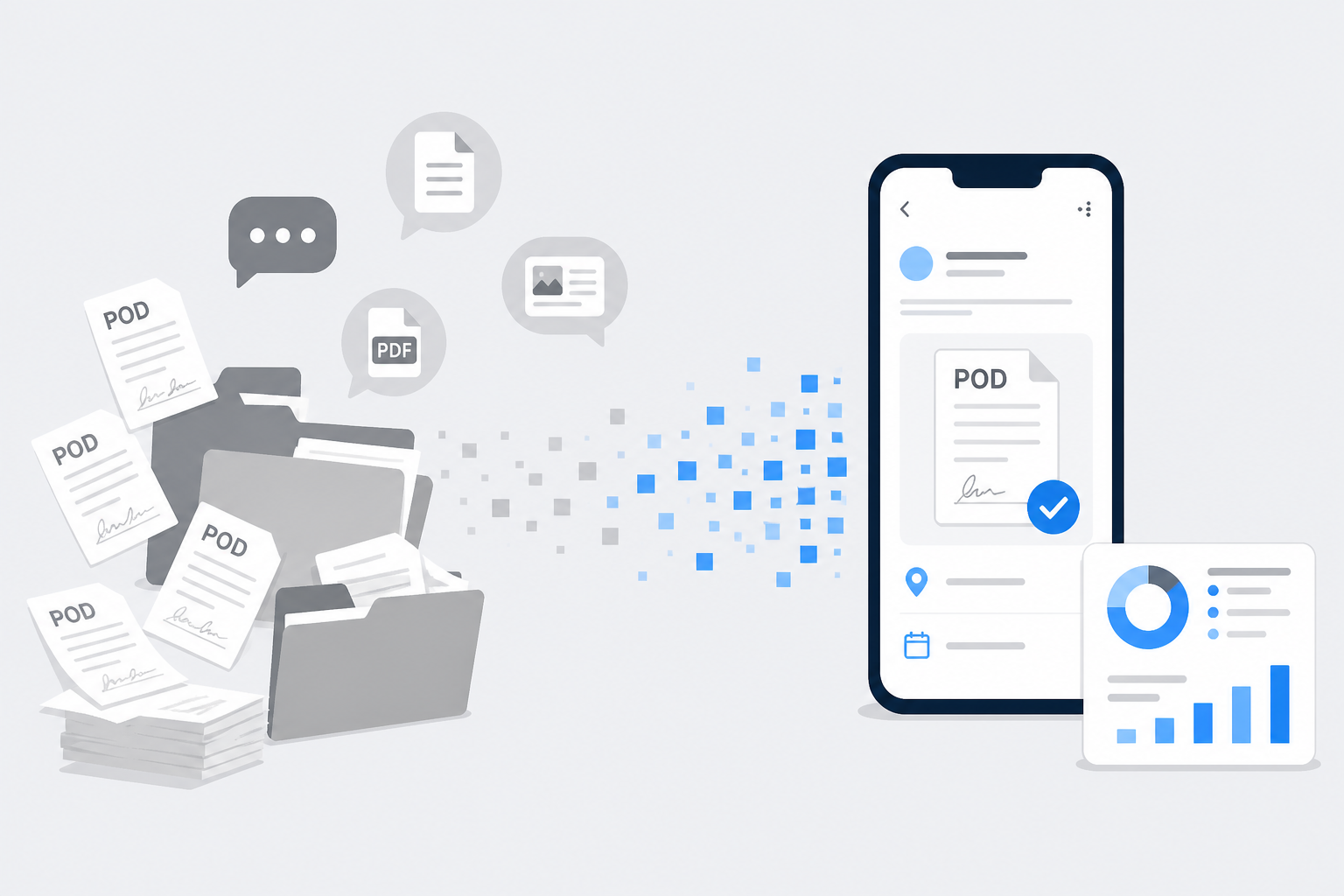
Trips go in one register. Payments go in another. Vehicle expenses sit somewhere else. Supplier balances live in a notebook. Driver advances have a separate diary. Invoices fill files. PODs hide in WhatsApp chats.
This works when you have one or two vehicles. Once the fleet grows, paperwork starts controlling the business instead of helping it.
This guide explains why that happens — and how you can make your transport office paperless in a practical way, without changing how transporters actually work.
The real problem
For every trip, your office may need to track:
- LR (bilty) details
- Freight and advance
- Party payment and pending balance
- Driver or supplier (market vehicle) money
- Vehicle and trip expenses
- POD and other trip documents
- Invoice and e-way bill details
Now multiply that by 5, 10, 20, or 50 vehicles — every day. After a year, you have thousands of entries across many registers. Finding one answer becomes a job by itself.
Why paperwork grows faster than the fleet
Most offices started simple: buy a register, write everything, keep bills in files. As the business grew, people added more registers — trip, party, invoice, supplier, driver, vehicle expense, credit shop, maintenance.
The business grew. The paperwork grew even faster.
Common daily friction looks like this:
- Too much time searching — owners spend hours finding old entries instead of growing sales.
- Outstanding takes too long — party or supplier balance needs manual adding and checking.
- Trip profit is hard — freight, expenses, deductions, and payments sit in different places.
- Documents go missing — files mix up; WhatsApp images get lost.
- Too many calls — “Where are you?”, “Send POD”, “Send LR” — everything depends on chasing people.
- No clear picture — which party owes most, which trip made loss, which truck spends more — answers are not instant.
- Hard to scale — managing 20 trucks with registers becomes exhausting.
What “paperless” really means
Going paperless does not mean you never print again.
Some customers or legal needs may still require a printed LR or invoice copy. Paperless means your records — trips, payments, expenses, and documents — live digitally, linked correctly, and easy to find, share, and reuse.
A good digital system should help you:
- Create and manage trips / LRs in one place
- Track party and supplier outstanding
- Store POD, LR, invoice, and trip documents against the right trip
- Record vehicle, driver, and trip expenses without separate diaries
- See trip-level money clearly (freight, charges, deductions, payments)
- Search old trips in seconds
- Let office staff work together with clear access
If most of these answers are “no”, the software only solves part of the problem.
How Lorryto keeps one trip connected
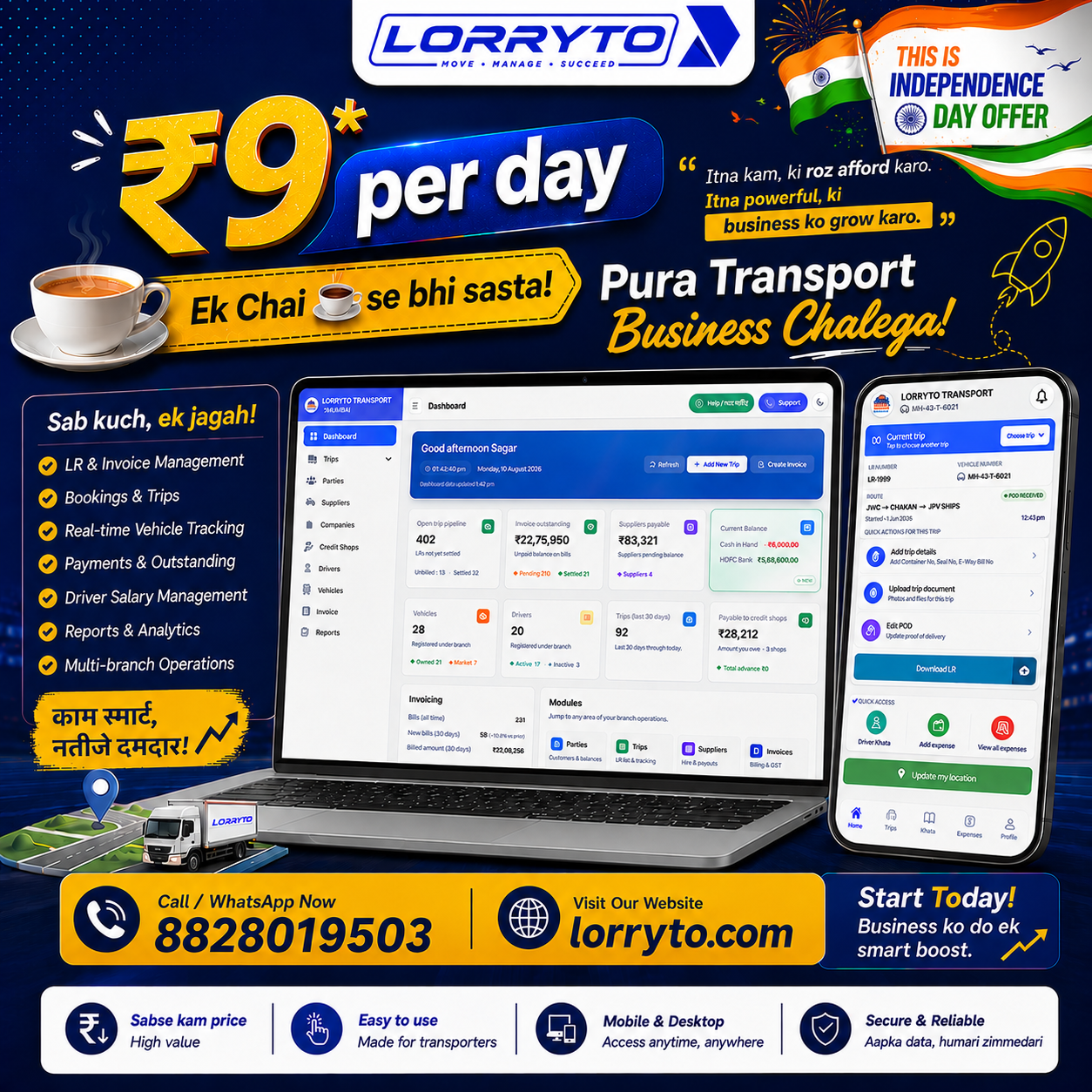
Lorryto is built for Indian transporters who want less paperwork without inventing a new way of working.
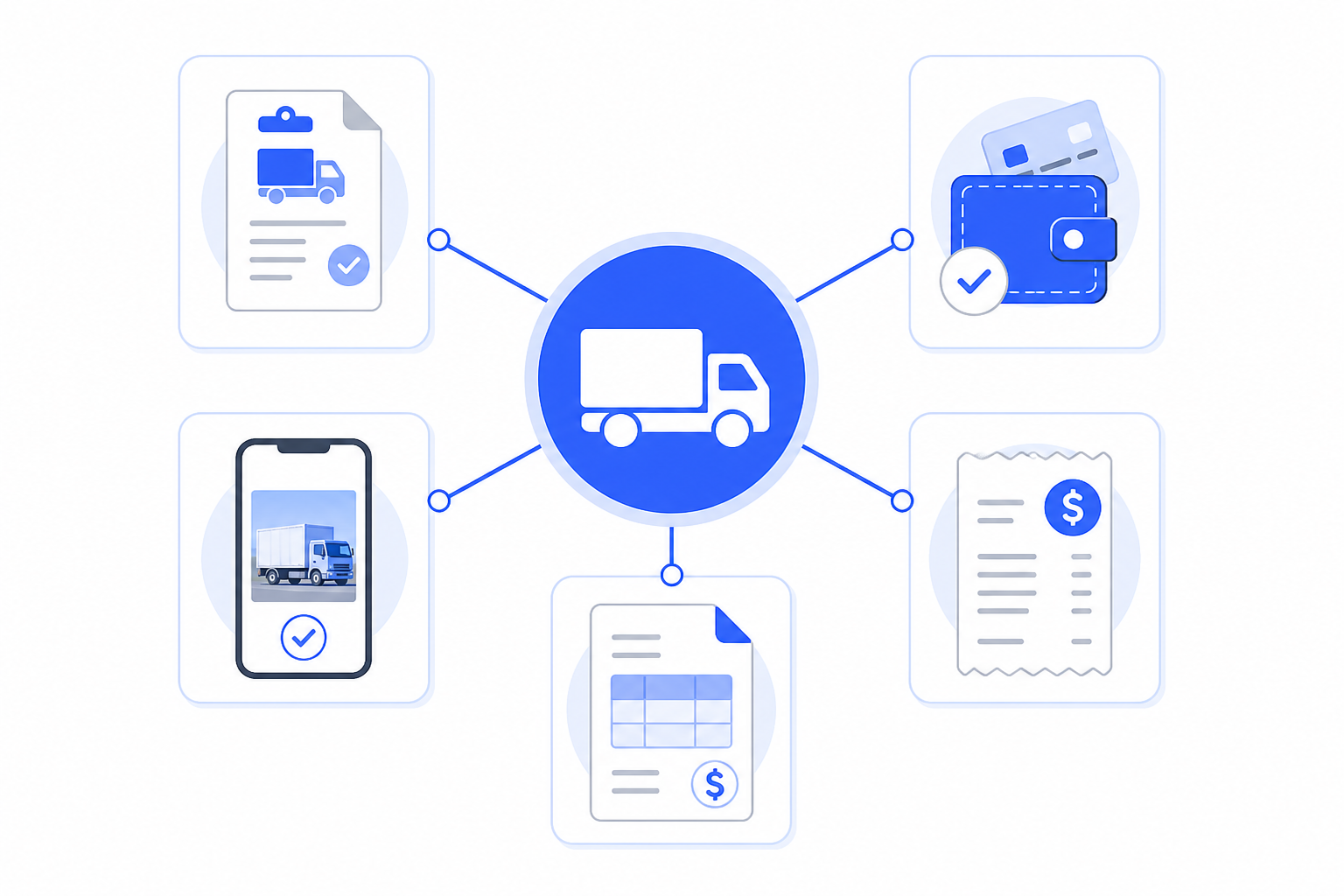
Instead of separate registers, Lorryto keeps operations connected around the trip.
One trip. Everything together.
On a trip you can keep linked:
- LR and party details
- Vehicle and driver (or market supplier)
- Freight, charges, deductions, and payments
- Expenses and advances
- POD and other documents
- Path to invoice and collection memo when you bill
Search one LR number — and the money and documents sit with it.
Party outstanding and billing
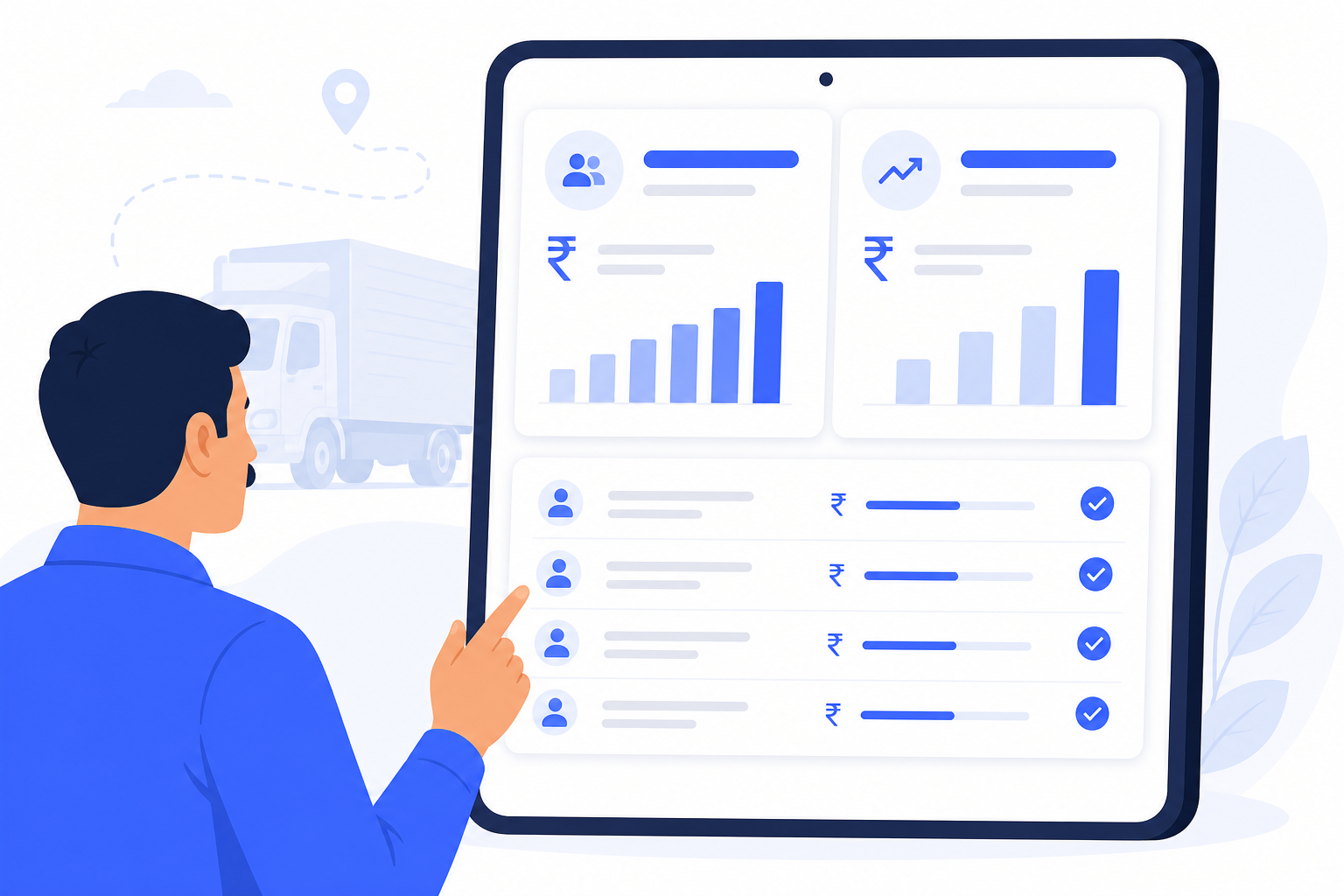
See pending invoices and payment history without opening five registers. Create invoices from unbilled LRs, settle payments, and print or share when needed. Collection memos help when you need a clean set of LRs for collection.
Supplier (market vehicle) balances
For hired trucks, track supplier trips, advances, payments, and pending balance in one flow — not a separate notebook.
Credit shops
Maintain digital khata for diesel pumps, tyre shops, and repair garages. Add credit and payments with proofs when you have them.
Drivers and vehicles
- Drivers: profile, documents, khata (advances and balances), and trip history.
- Vehicles: expenses, documents (RC, insurance, permit, and more), and trip history.
Use the Lorryto Driver App where it fits your team — for example POD and fewer “where are you?” calls — without buying special GPS hardware as a requirement.
Accounting and reports
Cash and bank accounts, statements, and party trip / invoice reports help you see money movement beyond a single register page.
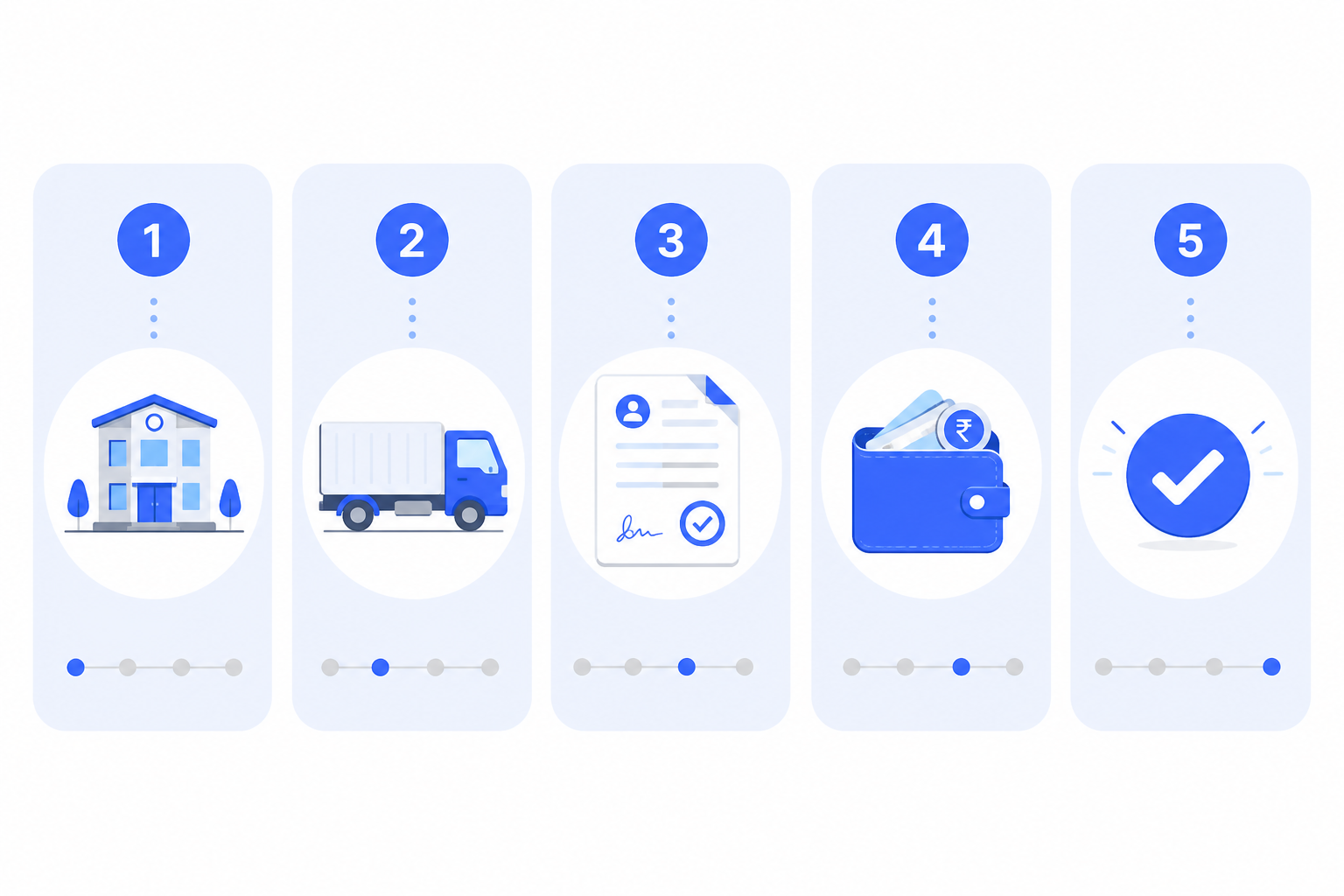
5 steps to go paperless (start this week)
You do not need to digitize ten years of old data on day one. Start clean for new work.
Step 1 — Set up your business
Add company details, then masters you use daily:
- Vehicles
- Drivers
- Parties (customers)
- Suppliers (market vehicles)
- Credit shops if you use them
- Bank details / cash setup
See the getting started guide for signup and first company setup.
Step 2 — Create every new trip digitally
From today, create bookings and LRs in software. Record freight, advances, and payments on the trip. Use Create Booking / Create LR instead of a fresh register line.
Step 3 — Keep documents on the trip
Upload POD, e-way details, and other trip files on the correct LR. Do not leave important proofs only in WhatsApp. For a full Proof of Delivery playbook, see Digital POD management for Indian transporters.
Step 4 — Record expenses and payments daily
Stop parallel expense diaries:
- Vehicle and trip expenses
- Driver khata / advances
- Supplier payments
- Credit shop entries
Step 5 — Run the office from search, not stacks
When daily work is digital, you can:
- Find any trip in seconds
- Check party and supplier outstanding quickly
- Review trip money (profit view on the trip)
- Print, download, or share LR and invoices when someone needs a copy
- Reduce time spent on paperwork every day
FAQs
Can I go fully paperless, or will I still print some papers?
Most office records can stay digital — trips, payments, expenses, and documents. You may still print when a customer or legal need asks for a hard copy.
What if the driver only sends POD on WhatsApp?
Upload that photo to the correct trip as soon as you can, so it is searchable later. Digital POD management explains how to keep proof on the trip instead of buried in chat.
Do I need to enter old register data before I start?
No. Keep old registers for past history if you want. Start with new trips digitally. You do not need years of old data on day one.
Can one office run LR, expenses, and outstanding in the same place?
Yes. That is the point of a connected transport office — LR, money, and documents sit on the trip so you search less and calculate less by hand. See the getting started guide.
How long before the office feels easier day to day?
Most transporters add vehicles, parties, and drivers first, then run new trips the same week. Start free on Lorryto when you are ready.
Final thought
Going paperless is not about replacing registers with a computer for the sake of it.
It is about saving time.
When every trip, payment, expense, and document lives in one connected place, you spend less time searching and calculating — and more time growing the transport business.
Next reads: Manage transport without drowning in paperwork · How to manage transport documents without files · Digital POD management · Lorryto Docs
Ready to run trips without registers?
Create LRs, track payments, and keep documents in one place with Lorryto — free trial available.
Start Free Now