Running a transport business in India is hard.
It often feels like you are drowning in paper.
LRs (bilty) sit in one register. Driver advances live in a rough diary. Diesel slips hide in a desk drawer. Customer billing is stuck in an old Excel sheet.
When you had one or two trucks, this worked. You could keep a lot in your head.
Now the business is growing — and that scattered system is falling apart.
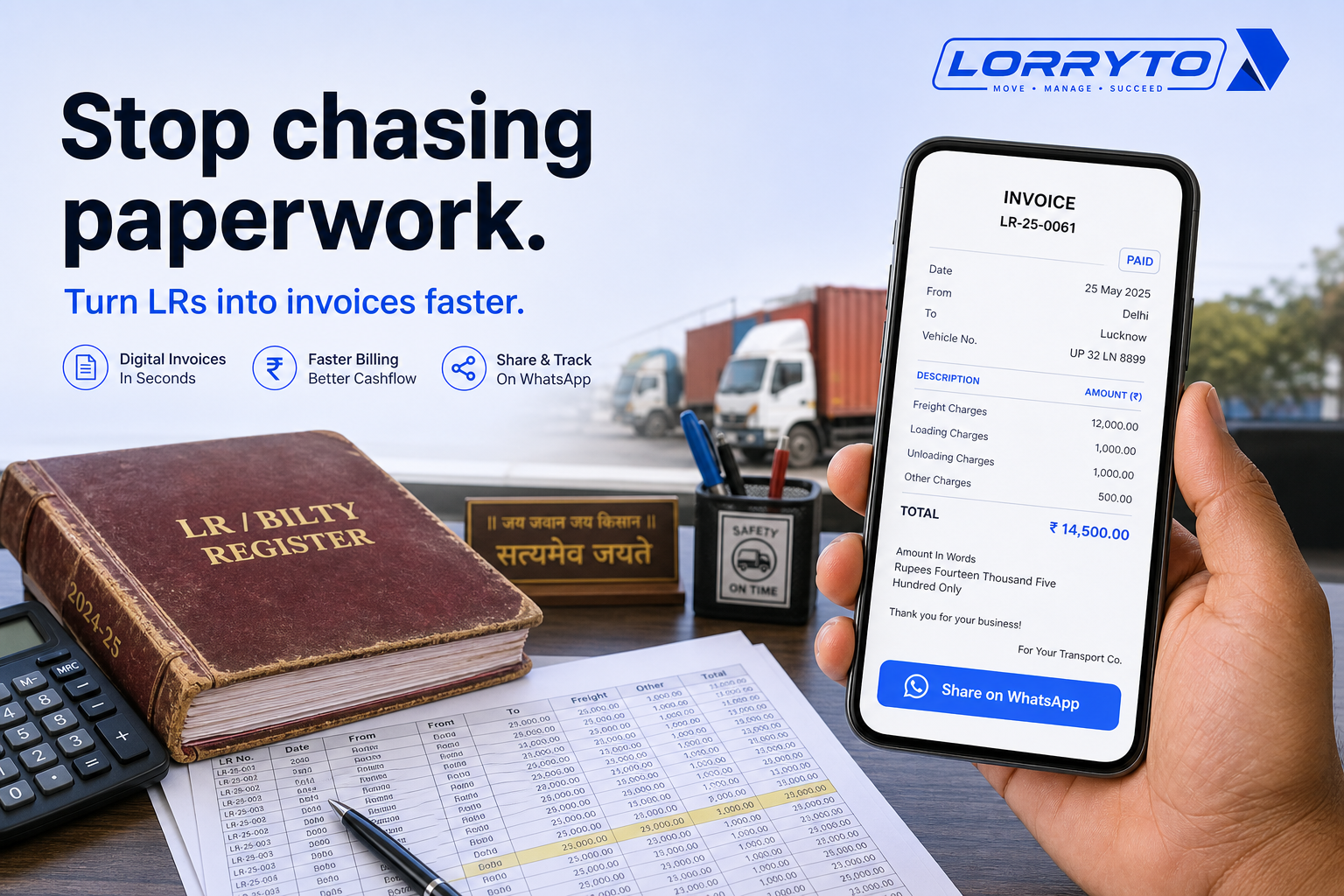
Stop chasing paperwork. Start growing your fleet with faster digital invoices.
This guide shows how Indian transporters can turn trips into clean bills — LR, POD, charges, and WhatsApp share — with tools like Lorryto.
For collecting dues after the bill goes out, see Transport office outstanding. For party balances and statements, see Party ledger.
The real problem
The pain hits hardest at billing time.
Just to make one invoice, you often have to:
- Find the original LR copy
- Wait for the driver to bring the physical POD
- Check the final agreed freight
- Deduct the advance given to the driver
- Add detention or extra loading charges
- Call the broker to confirm the rate
Doing that for one trip is tiring.
Do it for 5 trips. Then 10. Then 50. Month-end becomes a nightmare.
Why does this happen?
You started the traditional way.
Pen and paper felt easy and cheap. As you got more clients, you bought more registers. You hired a clerk. You made a WhatsApp group for drivers. You patched things as you grew.
Now the paperwork is out of control — and billing is the first place it shows.
How you manage things today
1. Finding a missing POD
A customer will not pay without proof of delivery. You call the driver. You wait. He searches the cabin. A blurry WhatsApp photo arrives — maybe.
A faster path: Upload POD on the same trip. Full guide: Digital POD management.
2. Making a customer bill
Cash flow depends on this. Your accountant opens the LR register, checks route and rate, types everything again into a computer, prints it, and may even courier it.
Digital flow: Create invoice from completed trips, then download or share on WhatsApp. Tune the look with invoice print design.
3. Checking party balance
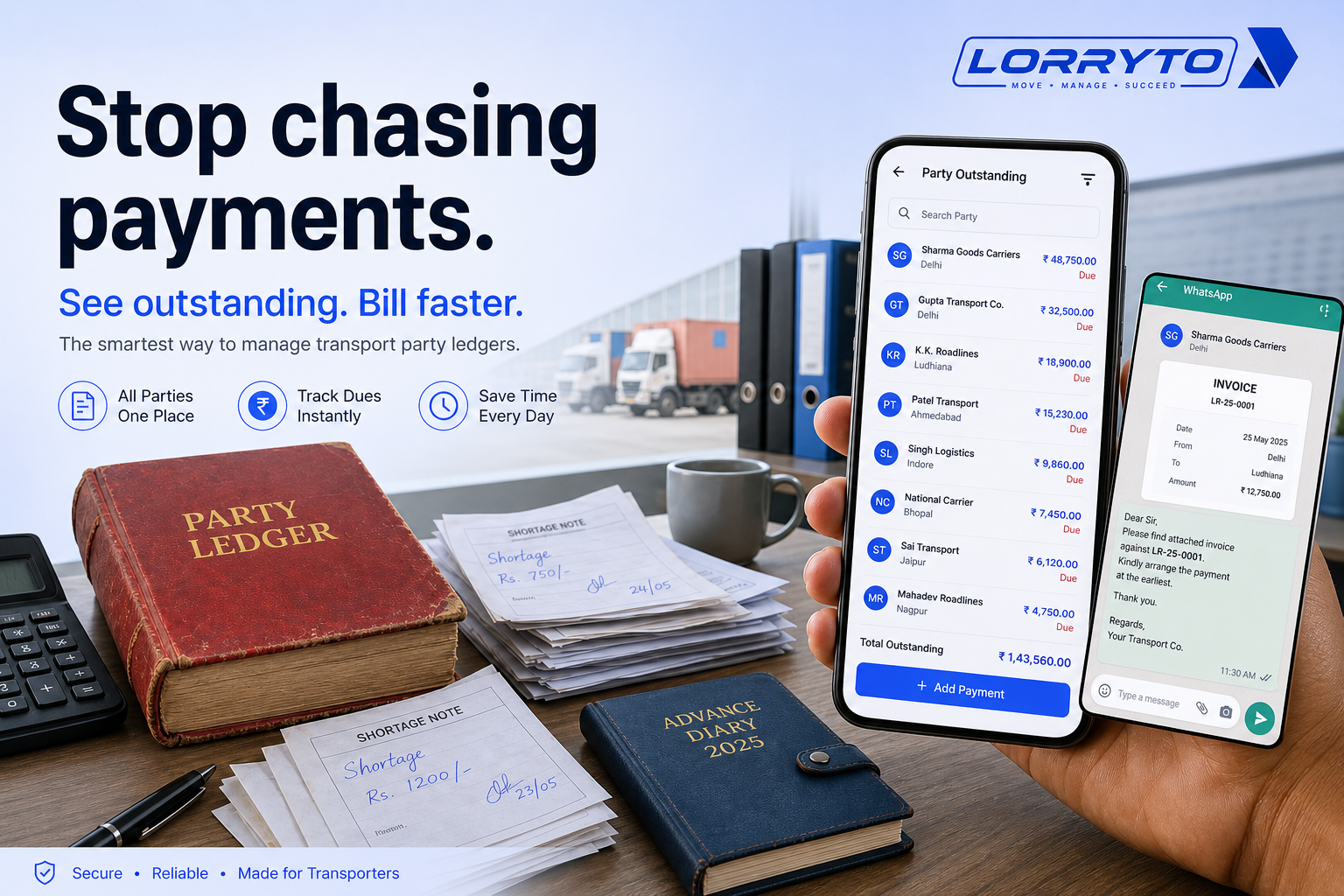
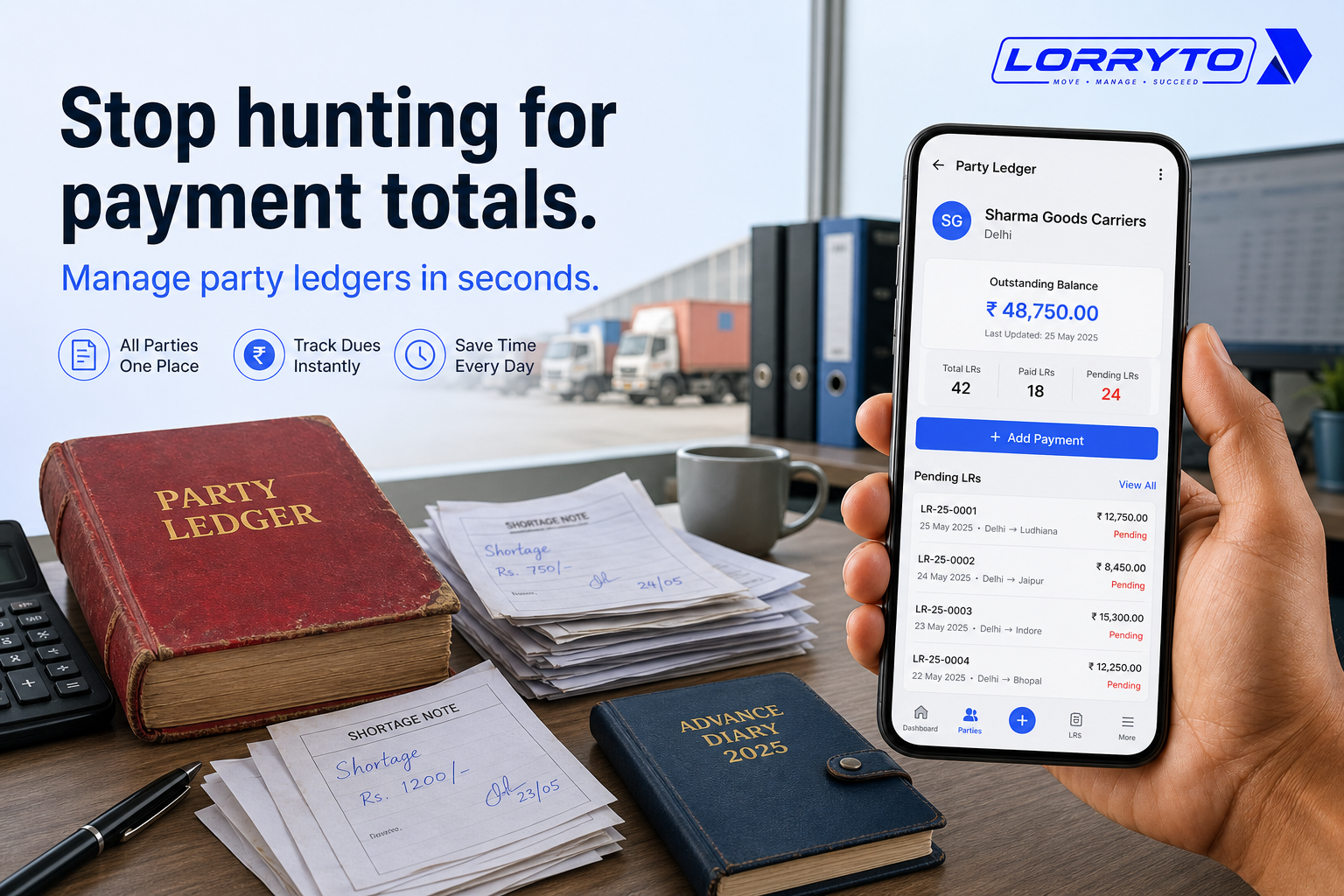
A customer asks how much they owe. You open the ledger, add pending trips on a calculator, subtract last week’s part-payments, and hope you did not miss a zero.
Better: Parties and the party page. Deeper reads: Outstanding and Party ledger.
4. Tracking vehicle expenses
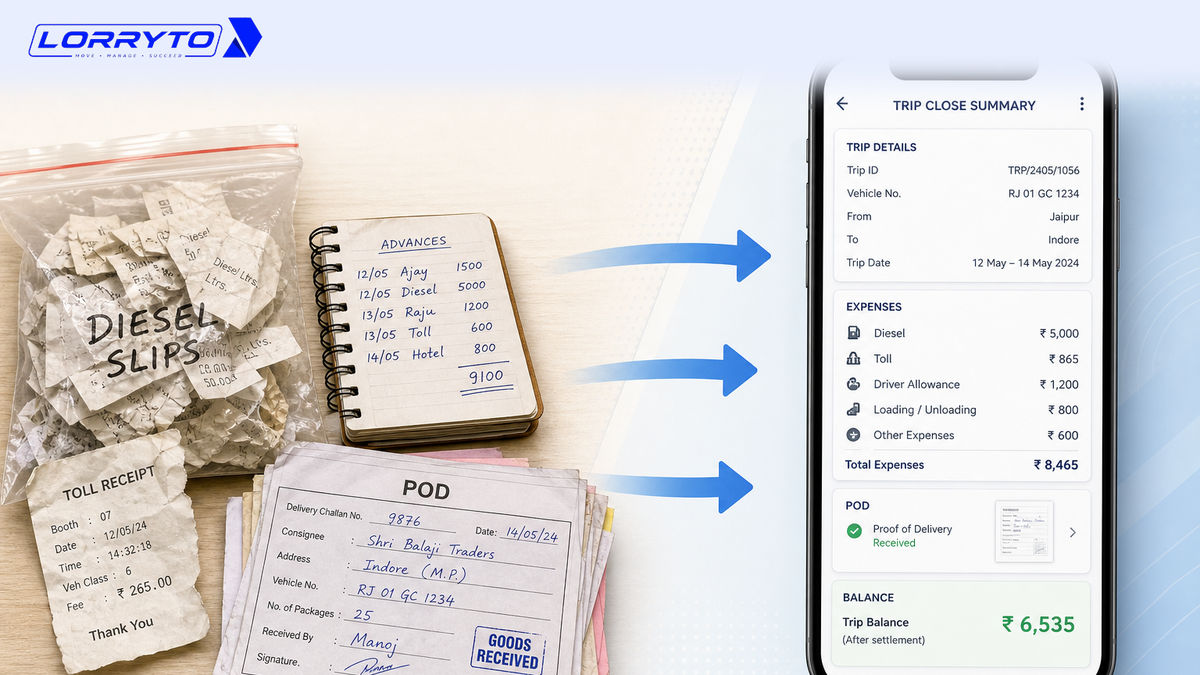
You want to know if a trip made profit. You collect dirty diesel slips, toll receipts, and driver bhatta — then try to match it all to one LR.
Link costs to the trip with expenses and payments, then check Trip Profit.
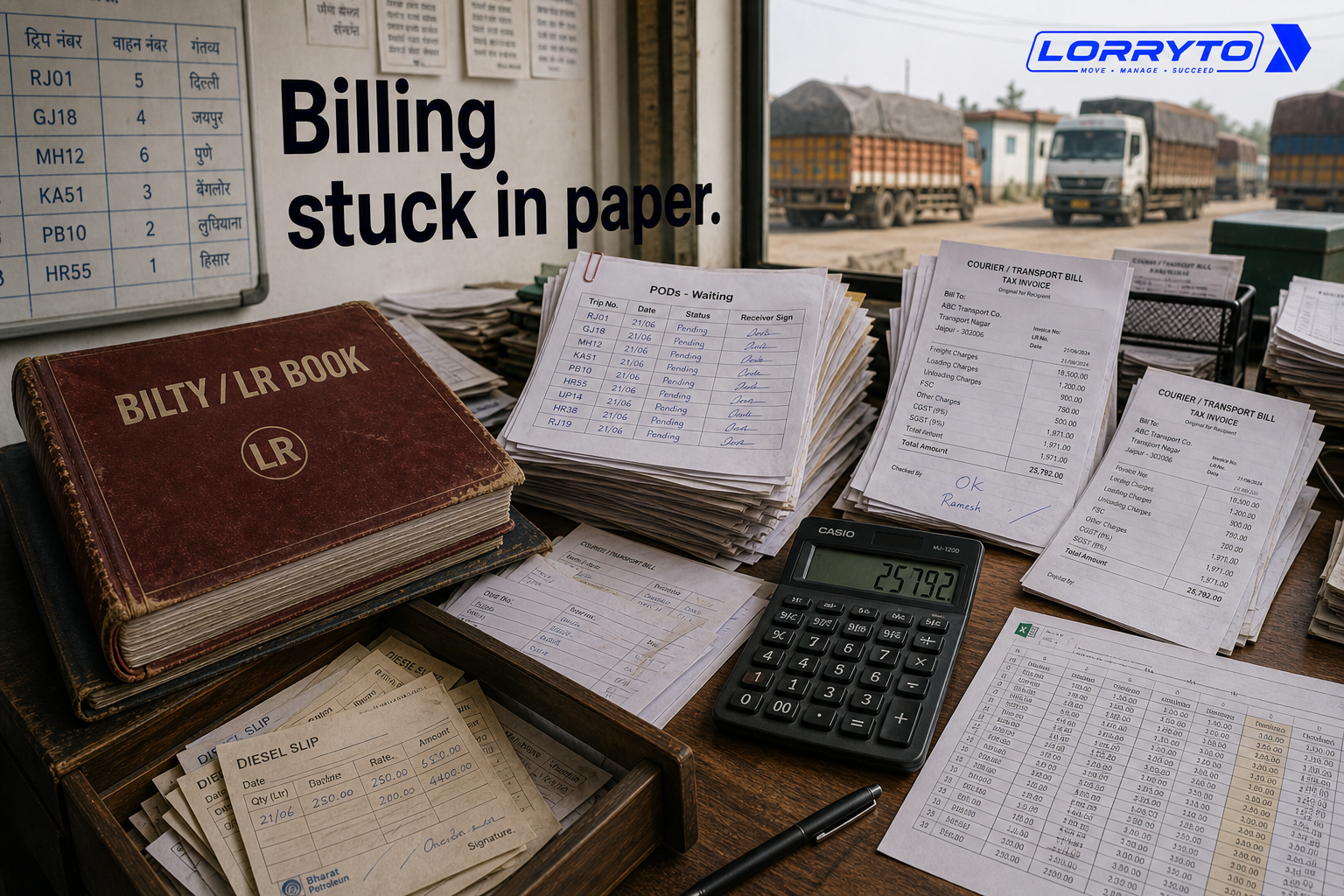
Problems with the manual method
Delayed payments. Slow billing means slow money. You wait weeks for cash that should already be moving.
Lost revenue. Manual math invites mistakes. Forget a detention charge and that money is gone. Add charges on the trip with charges and deductions.
Too much dependency. If the main accountant takes leave, the office slows down. Nobody else knows where the records are.
Zero visibility. You do not really know trip profit. You guess from the bank balance. See Trip profit digitally.
Better digital methods
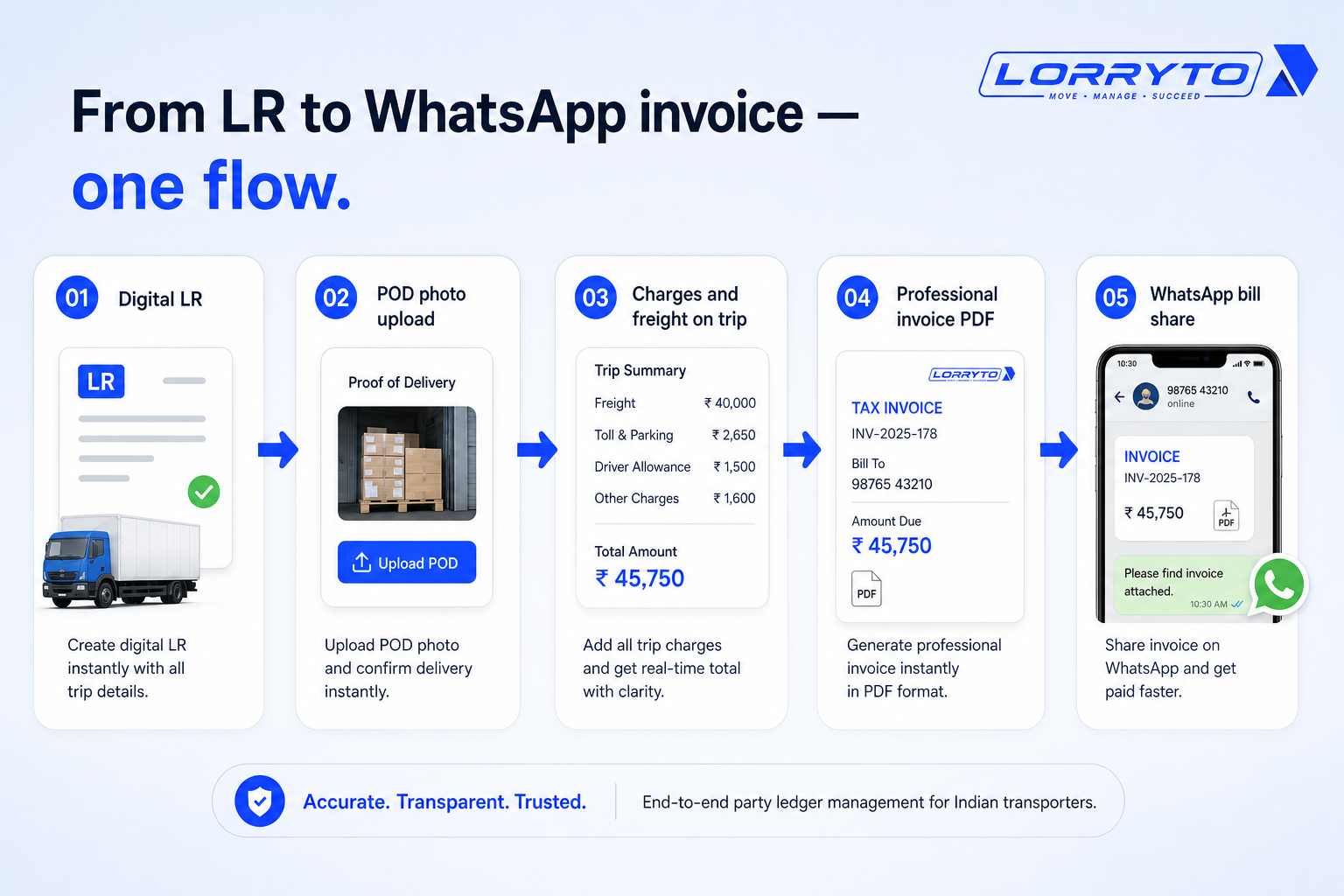
A good digital system connects the trip to the bill.
Smart data entry
Type trip details once. Turn completed LRs into an invoice without rewriting the same freight into Excel. Keep freight and extra charges on the trip, then bill from that record. Docs: Create LR, Create invoice.
Cloud storage
Keep POD photos on the trip — safe online, not only in a driver’s cabin. Access records from the office or your phone. See POD.
Instant ledgers
Party balances update when invoices and payments are recorded. Share the bill on WhatsApp in one click so follow-up starts the same day. See Parties, Invoice WhatsApp share, and add payment.
How to choose the right software
Not every tool fits Indian transporters. Ask first:
- Is it built for transport and logistics?
- Can it generate Lorry Receipts (LRs) quickly?
- Does it track driver advances and trip expenses?
- Can I create a clean invoice parties will accept?
- Can I use it on my mobile phone?
- Will my staff find it easy to learn?
Wider context: Why digitization is transforming transport and Paperless transport office.
How Lorryto solves this
Lorryto is built for Indian transporters who need invoices without rewriting every LR into Excel.
1. One-click LR to invoice
Create a professional bill from completed trips. Share it on WhatsApp with a PDF link — no carbon copy rewrite. Docs: Create invoice, Download & share. Closing tips: Trip closing digitally.
2. Instant ledger control
See party balances and pending invoices without rebuilding a diary. Record payments and settle when money comes in. Docs: Parties, Party Invoice Report, Settle invoice, Add payment.
3. Digital POD management
Stop chasing cabin photos for every bill. Store POD on the trip and bill when delivery proof is ready. See POD.
4. Trip expenses and profit
Log diesel, tolls, and driver advances on the trip. See profit without matching three notebooks. Docs: Expenses, Payments, Trip Profit.
Implementation checklist
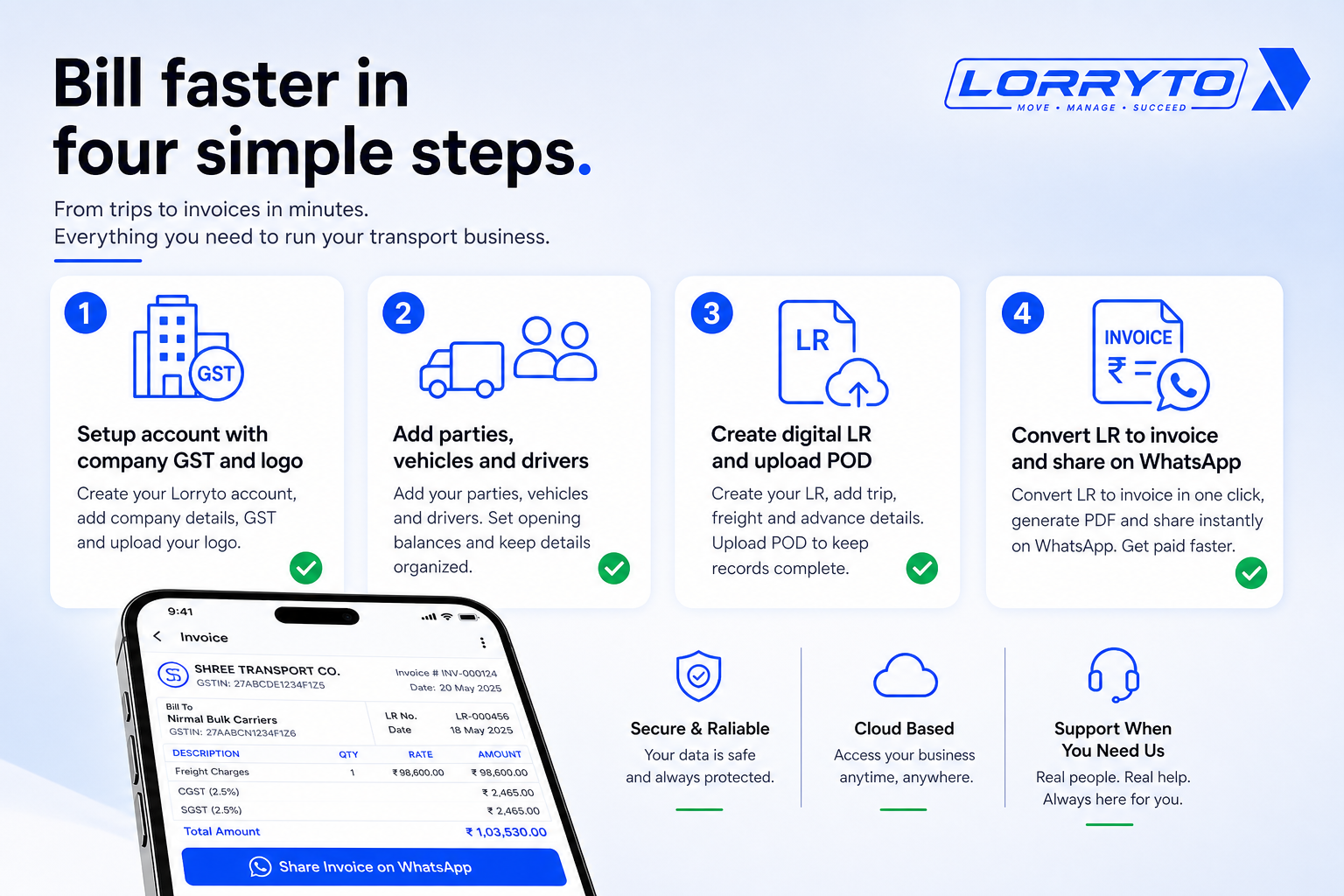
Step 1 — Set up your account
- Sign up for a free trial on lorryto.com
- Add company details (Company, details)
- Add address and GST / registration (Registration)
- Upload logo (Logo & signature)
Step 2 — Add your master data
- Add regular parties (Add party)
- Add owned and attached vehicles (Vehicles)
- Register drivers (Drivers)
Step 3 — Digitize your daily operations
Step 4 — Automate your billing
- Create the invoice from pending trips (Create invoice)
- Share the invoice on WhatsApp (Download & share)
- Record a sample payment to see the ledger update (Add payment)
Getting started: docs.
FAQs
Is it for small businesses?
Yes. Whether you have 2 trucks or a growing fleet, the same flow works — LR, POD, invoice, share. See getting started.
Will I lose my old records?
No. Keep old books safe. Enter opening balances when you start, then bill new trips digitally.
How long does it take to start?
Often the same day. Sign up, create an LR, and make a bill once masters are ready. Fast LR tip: Generate LRs in 2 minutes.
Do my drivers need to use it?
It helps, but it is not mandatory. Office staff can run trips and billing. Optional: Driver App for POD and expense photos.
How is this different from the outstanding blog?
That post is about who owes you and collecting faster. This article is about making the invoice — from LR and POD to a bill you can share on WhatsApp.
Final thoughts
The goal is not just to buy software.
The goal is to save hours every day — and get bills out while the work is still fresh.
Stop drowning in manual paperwork. Put the trip on a digital LR, attach the POD, create the invoice, and share it the same day.
References and next reads: Outstanding · Party ledger · Trip closing digitally · Digital POD · Trip profit digitally · Trip expenses digitally · Generate LRs in 2 minutes · Share LR on WhatsApp · Paperless transport office · Why digitization is transforming transport · Getting started · Create LR · Upload POD · Payments · Expenses · Charges · Deductions · Edit trip / Trip Profit · Invoices · Create invoice · Invoice WhatsApp share · Invoice print design · Add payment · Settle invoice · Parties · Party Invoice Report · Company · Registration · Logo & signature · Drivers · Driver mobile app · Vehicles
Ready to run trips without registers?
Create LRs, track payments, and keep documents in one place with Lorryto — free trial available.
Start Free Now