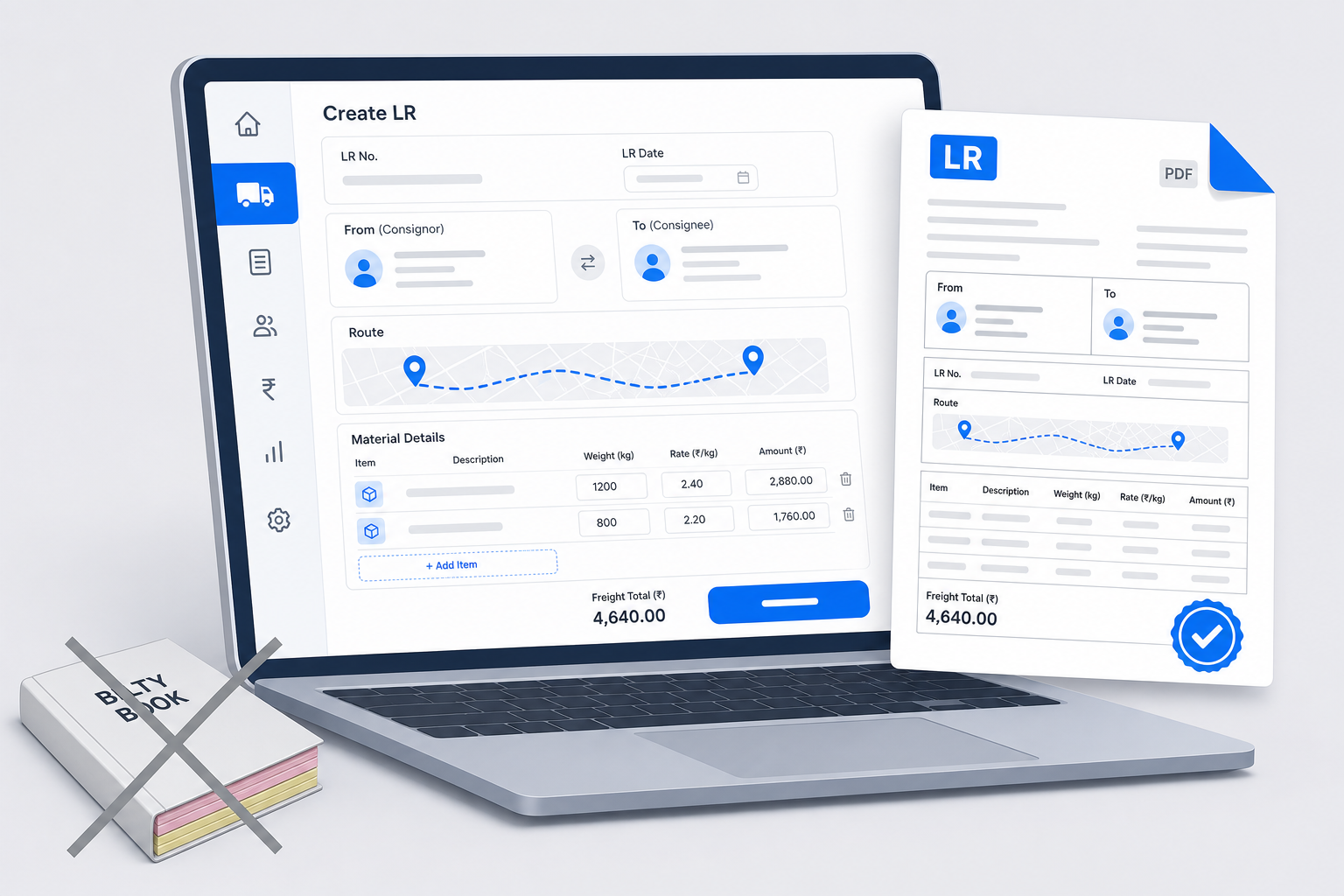
You run a transport business. You move goods from point A to point B. Every day is a rush.
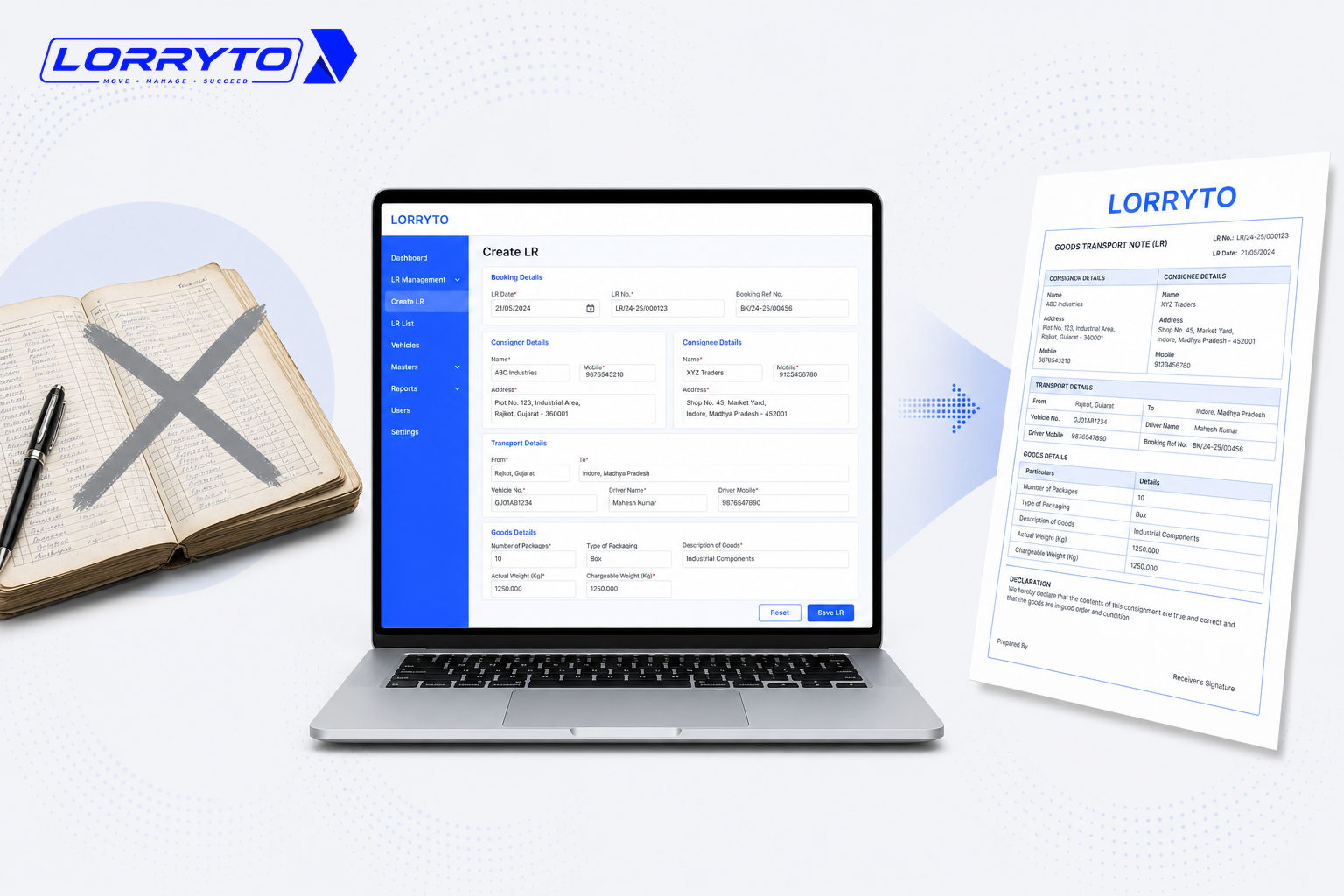
To dispatch a truck, you need an LR (Lorry Receipt / bilty). Right now, you probably use a printed bilty book — carbon paper between pages, a pen in hand, consignor and consignee names written by hand, freight in one register, driver advance in another.
That works when you have one or two trucks. As the business grows, this system breaks down.
The real problem
Just think about a single trip. For one truck load you may need to manage:
- Truck number
- Driver details
- Loading and unloading points
- Material description
- Weight and rate
- Total freight
- Advance paid
- Balance pending
Writing one LR carefully can take 10 to 15 minutes. Now multiply that by 5, 10, or 50 trucks a day. The desk fills with paper. Staff spend hours on forms instead of moving work forward.
Why this happens
It starts as habit. When you began, a bilty book was cheap and easy. More clients meant more books. A clerk to write them. Extra registers for accounting. Before long, paperwork grew faster than the fleet.
How offices handle LRs today
Making the LR
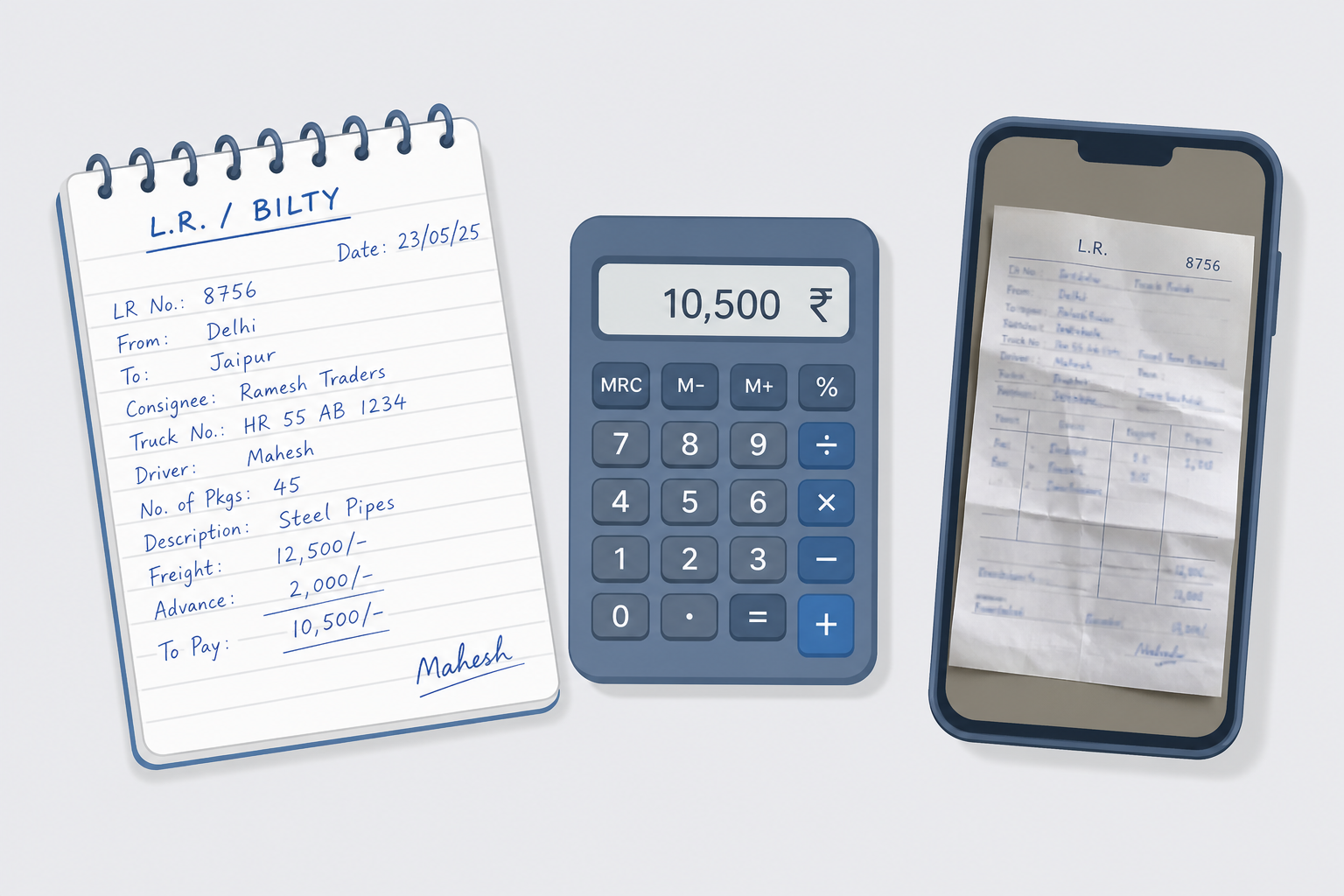
The owner or clerk opens the bilty book, finds a fresh page, inserts carbon paper, handwrites every detail, and tears out the copies carefully.
Calculating freight
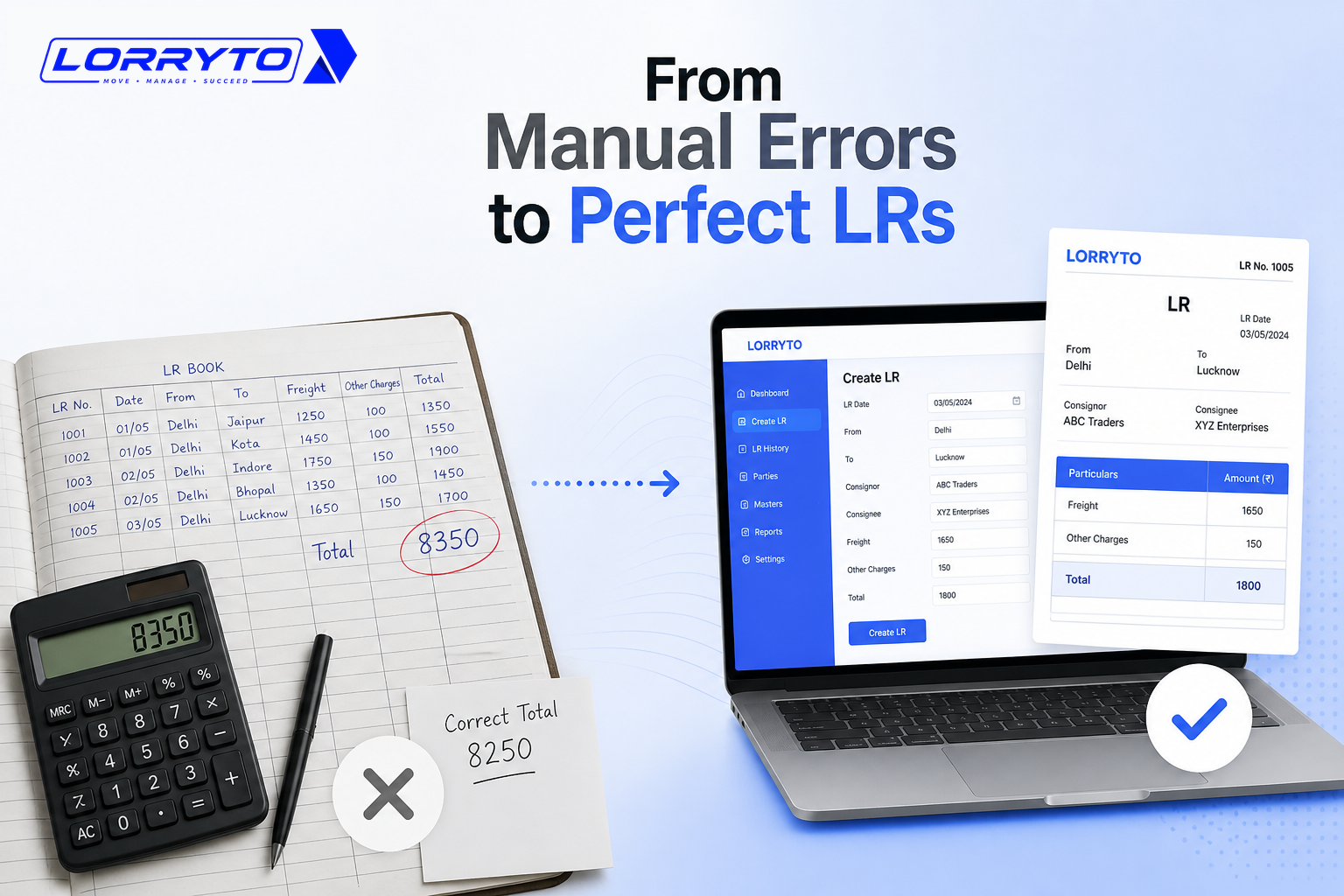
A calculator comes out. Weight × rate. Subtract advance. Add hamali or other charges. Double-check so you do not bill the wrong amount.
Sending the LR to the party
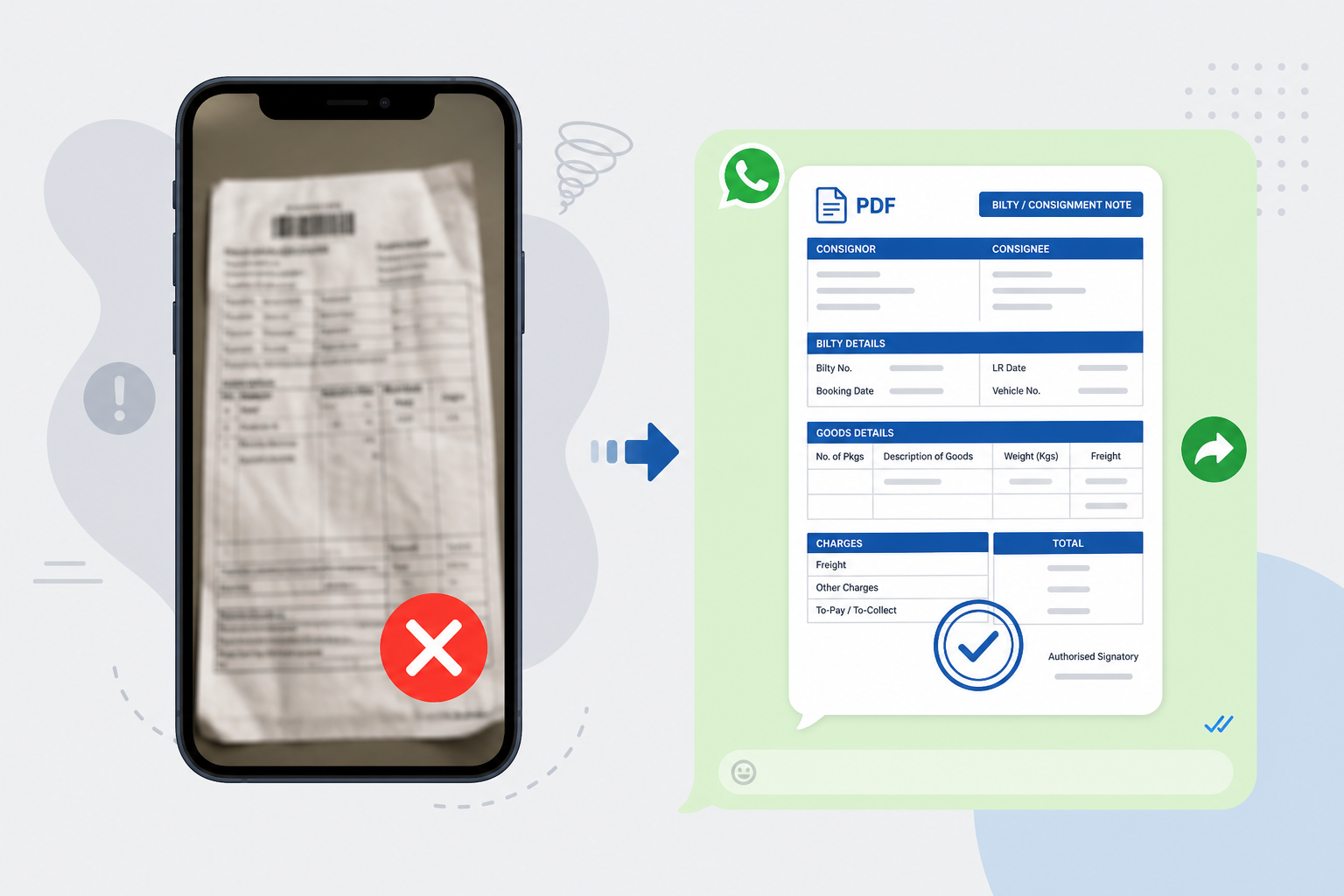
You fold the paper, take a phone photo, and send it on WhatsApp. Often the photo is dark or blurry — and the party calls back because they cannot read the handwriting.
Tracking POD
After unload, the driver gets a receiving signature. You wait days for the physical paper. Then you search a thick file to match it with the original LR before you bill.
Problems with the manual method
This old way hurts the business:
- Too much time wasted — staff spend hours filling forms by hand.
- Mistakes cost money — wrong freight math or spelling leads to disputes.
- Documents get lost — paper tears, books go missing in transit; without the LR, payment can stall.
- Payments slow down — waiting for physical PODs delays billing and sticks cash in the market.
What a good digital LR workflow looks like
A solid digital system turns that rush into a short, repeatable flow:
- Smart LR creation — pick consignors, consignees, trucks, and drivers from saved masters instead of rewriting names every day. Enter weight and rate; let the software calculate freight on the trip.
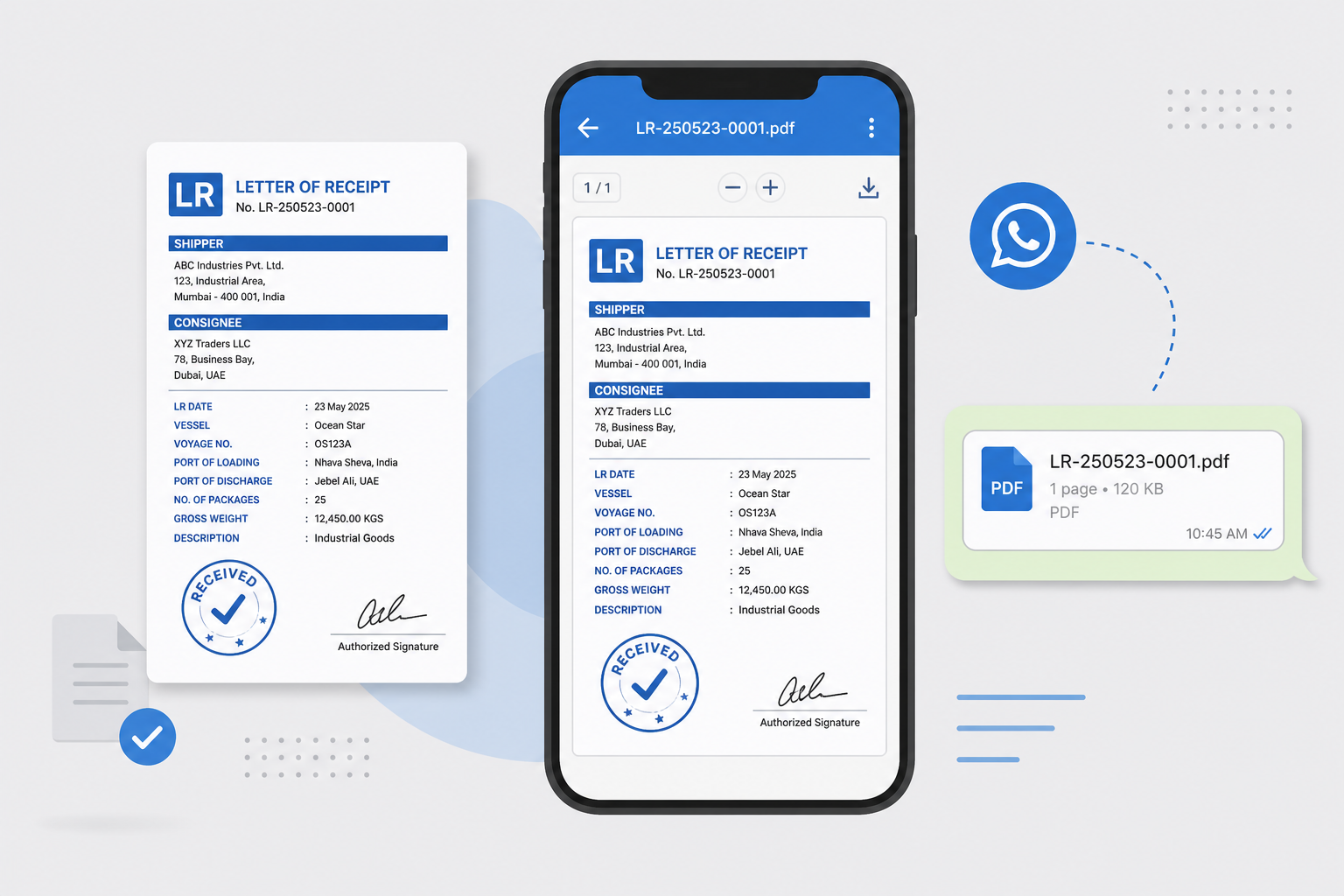
- Instant sharing — generate a clean PDF bilty and share it with the party (including WhatsApp) — no blurry photos.
- Digital tracking — upload POD photos on the same LR record. See pending work without digging through files.
How to choose the right software
Do not buy the first app you see. Ask these questions:
- Is it easy enough for my staff to use today?
- Does it generate a professional PDF bilty?
- Can I share the LR on WhatsApp?
- Does it calculate freight and keep advances / balances on the trip?
- Will it track pending PODs and help me bill faster?
- Is my data stored safely and searchable later?
If most answers are “no”, the tool only solves part of the problem.
How Lorryto helps
Lorryto is built for Indian transporters. It replaces the messy bilty book for day-to-day work — without inventing a new way of running trips.
Create a digital LR in minutes
Open Create LR. Pick the consignor and consignee from your address book, select vehicle and driver, add material lines (weight, rate, freight), and save. No rewriting the same party names every day once masters are set up.
Freight and money on the trip
Enter weight and rate on the material lines. Record advances and payments on the trip so freight, charges, and balances stay with that LR — not scattered across notebooks.
PDF download and WhatsApp share
Generate a professional PDF (consignor, consignee, driver, office, or POD/accounts copy). Download, print, or share — including WhatsApp share and copy LR link — so the party gets a readable bilty, not a dark photo.
POD on the same record
Upload POD photos or files directly on the LR. Drivers can also send delivery proofs from the Lorryto Driver App. You know which trips have proof attached — and you can invoice without waiting for a paper file to come back. For a deeper look at Proof of Delivery workflows, see Digital POD management for Indian transporters.
For the wider office picture — outstanding, expenses, and connected trip records — see How to make your transport business paperless.
Start today — four simple steps
You do not need to digitize years of old books first. Set up masters, then create new LRs digitally.
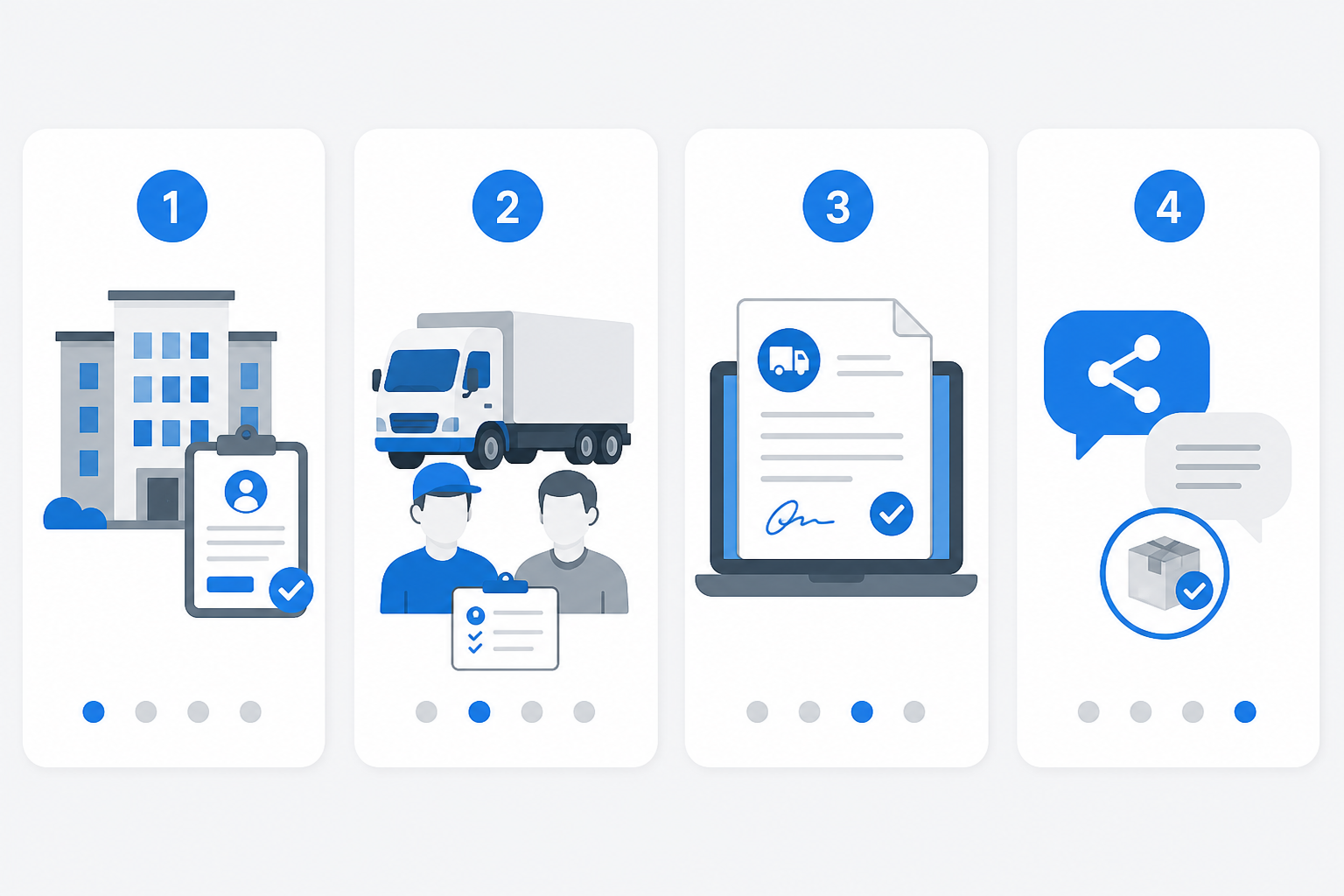
Step 1 — Create your account
Go to lorryto.com, sign up, and add your transport company details (name, logo, and basic setup). See the getting started guide.
Step 2 — Add your master data
Add a few regular parties (customers), your trucks, and regular drivers. That is what makes the next LR fast.
Step 3 — Make your first digital LR
Click Create LR, select party / consignor–consignee, enter load details, and save. Download the PDF when you need a copy.
Step 4 — Share and follow through
Use WhatsApp share (or copy the LR link) for the party. When the truck unloads, upload the POD on that trip — then bill from clean records instead of chasing paper.
FAQs
Can I fix a mistake after I save the LR?
Yes. Open the trip and edit the LR when details change — better than cutting a carbon page and rewriting the book.
How do I share the LR with the party without a blurry photo?
Download, print, or share a clean PDF — including WhatsApp share. More on that flow: How to share LRs on WhatsApp.
Can staff create LRs if they only know WhatsApp, not Excel?
Yes. Pick parties and trucks from saved lists, enter load details, and save. Lorryto is built for transport office staff, not spreadsheet experts.
Does freight and advance stay on the same trip?
Yes. Enter freight on the material lines and keep advances with the trip so money is not only in a separate diary. See Create LR and trip expenses.
Do I need a big computer to create LRs?
No. Phone or a basic laptop is enough. Start free on Lorryto when you are ready.
Final thought
Your time as a transport owner is valuable. You should be negotiating rates and finding loads — not stuck on carbon copies, calculators, and blurry bilty photos.
Create digital LRs, share clean PDFs, and keep POD on the trip. Then grow the business with less paperwork noise.
Next reads: How to perfect your LR format · How to stop costly LR mistakes · How to share LRs on WhatsApp · Create LR docs
Ready to run trips without registers?
Create LRs, track payments, and keep documents in one place with Lorryto — free trial available.
Start Free Now